
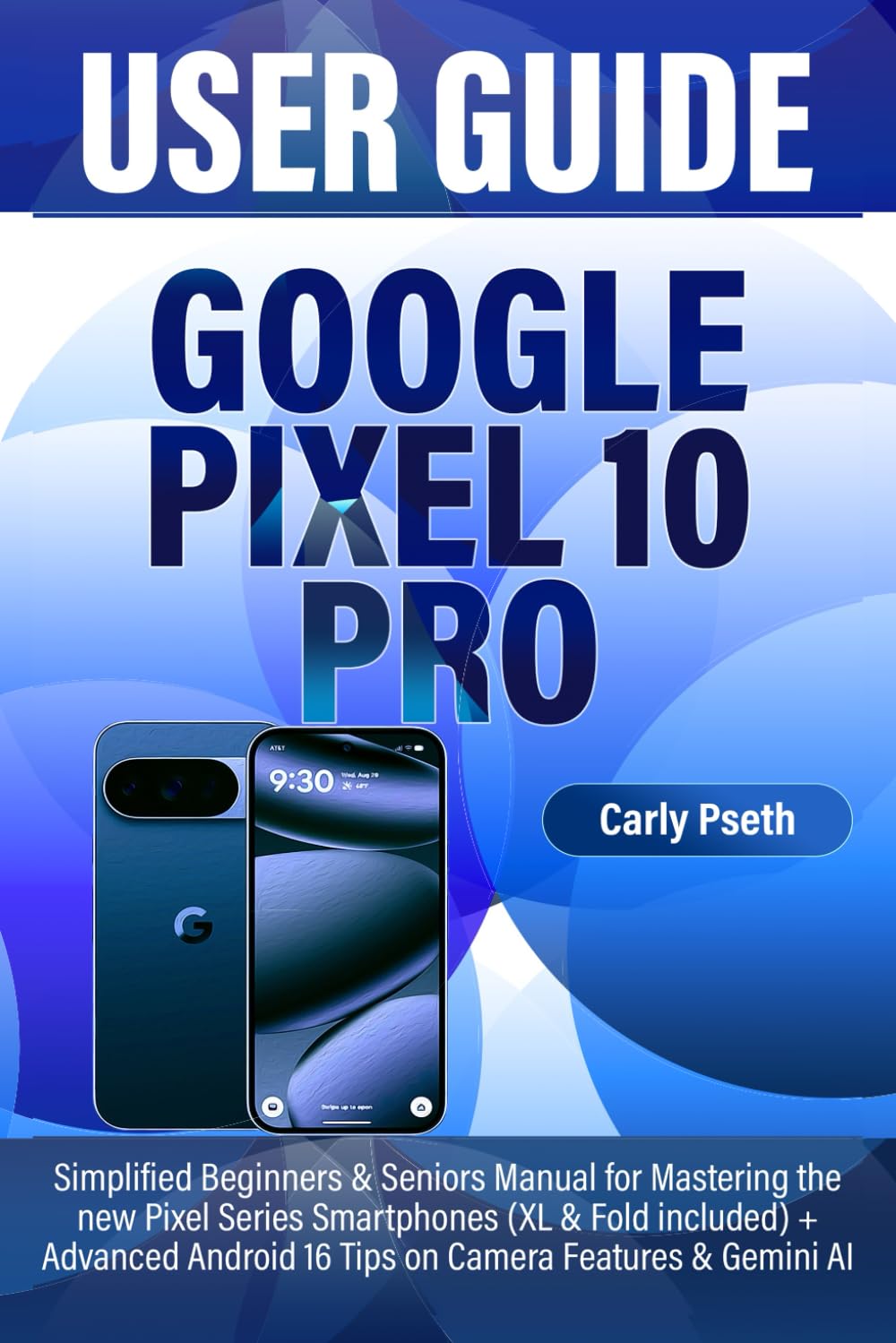
GOOGLE PIXEL 10 PRO USER GUIDE: Simplified Beginners & Seniors Manual for Mastering the new Pixel Series Smartphones (XL & Fold included) + Advanced
$13.99
| Brand | Carly Pseth |
| Merchant | Amazon |
| Category | Books |
| Availability | In Stock |
| SKU | B0FP5T2FHY |
| Age Group | ADULT |
| Condition | NEW |
| Gender | UNISEX |
| Google Product Category | Media > Books |
| Product Type | Books > Subjects > Computers & Technology > Mobile Phones, Tablets & E-Readers > Handheld & Mobile Devices |
About this item
GOOGLE PIXEL 10 PRO USER GUIDE: Simplified Beginners & Seniors Manual for Mastering the new Pixel Series Smartphones (XL & Fold included) + Advanced
UNLOCK THE FULL POWER OF YOUR GOOGLE PIXEL 10 PRO – EFFORTLESSLY! Are you ready to master your new Google Pixel 10, 10 Pro, XL, or Fold without the frustration of confusing tech manuals? Whether you’re a beginner, a senior, or just someone who wants to get the most out of your phone, GOOGLE PIXEL 10 PRO USER GUIDE is your ultimate companion. Inside this easy-to-follow guide, you’ll discover how to: Get Started with Your Pixel 10 Pro Identify all phone parts, sensors, cameras, and ports. - Unbox safely, set up your space, power on, and check included items. Set Up & Transfer Data Perform initial setup or factory reset. - Switch from Android or iPhone and transfer apps, contacts, and settings. Master Android 16 Explore new notifications, productivity tools, multitasking, and accessibility features. - Update your phone and understand differences from Android 15. Navigate & Personalize Your Pixel Move between home screens, apps, and folders. - Set up messaging, location, SIM/eSIM, and AI wallpapers. - Customize ringtones, quick settings, volume, and vibration. Use Google Assistant & AI Tools Chat, get answers, play media, set reminders, and control phone settings. - Create routines, use Live Translate, and leverage calling assistants like Gemini, Hold for Me, and Direct My Call. Manage Notifications, Battery & Connectivity Limit notifications, save data, monitor battery, and pair Bluetooth devices. - Adjust screen colors, Night Light, Dark Theme, and Grayscale. - Track screen time and digital wellbeing. Emergency & Safety Features Configure emergency contacts, Car Crash Detection, and SOS alerts. - Activate crisis alerts, automated emergency calls, and location sharing. Capture Stunning Photos & Video Use the camera’s modes: Top Shot, portrait, night, long exposure, and video. - Take motion shots, action pans, and creative low-light photos. Essential Accessories USB-C cables, chargers, Pixel Stand, cases, headphones, tripods, mounts, stylus, and camera attachments. Written with clarity and expertise by tech enthusiast Carly Pseth, this manual cuts through the clutter and shows you exactly how to use your Pixel like a pro – even if you’ve never owned a smartphone before. Stop guessing. Start exploring. And unlock the full potential of your Google Pixel 10 Pro today!
| Brand | Carly Pseth |
| Merchant | Amazon |
| Category | Books |
| Availability | In Stock |
| SKU | B0FP5T2FHY |
| Age Group | ADULT |
| Condition | NEW |
| Gender | UNISEX |
| Google Product Category | Media > Books |
| Product Type | Books > Subjects > Computers & Technology > Mobile Phones, Tablets & E-Readers > Handheld & Mobile Devices |
Similar Products










Compare with similar items

Feier des fünfzigjährigen Dienst-Jubiläu... |

Saga of the Light Striper: The Reframing... |

The Water Hole... |

Biblical Hebrew for Students of Modern I... |
|
|---|---|---|---|---|
| Price | $122.38 | $27.99 | $7.76 | $58.62 |
| Brand | Ferdinand August Maria Franz von Ritgen | Rick Stuempfle | Graeme Base | Marc Zvi Brettler |
| Merchant | Amazon | Amazon | Amazon | Amazon |
| Availability | Leadtime | In Stock | In Stock | In Stock Scarce |