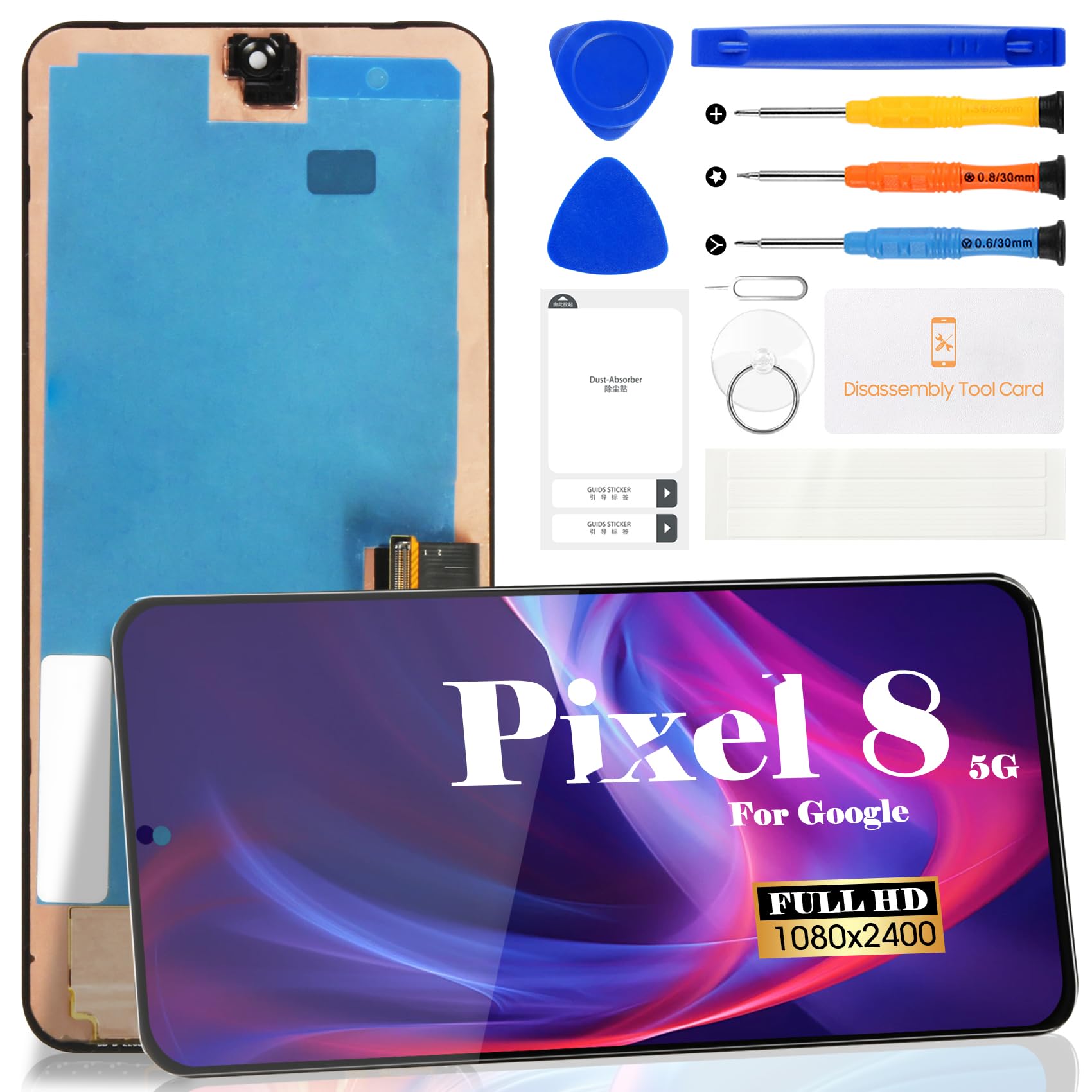
OLED for Google Pixel 8 5G LCD Screen Replacement for Google Pixel 8 5G GKWS6,G9BQD Touch Display Screen Assembly Replacement(Without Frame,Black)
$111.50
| Brand | SRJTEK |
| Merchant | Amazon |
| Category | Telephony |
| Availability | In Stock |
| SKU | B0DLBL1WKX |
| Color | Black |
| Age Group | ADULT |
| Condition | NEW |
| Gender | UNISEX |
About this item
OLED for Google Pixel 8 5G LCD Screen Replacement for Google Pixel 8 5G GKWS6,G9BQD Touch Display Screen Assembly Replacement(Without Frame,Black)
【Parameters】For Google Pixel 8 GKWS6,G9BQD LCD digitizer screen assembly replacement with frame (OLED Material), please confirm your phone model before purchasing(Supports fingerprint functionality, but the fingerprint flex cable needs to be removed from your old screen and requires calibration before removal.)
Our Screen Is High Quality LCD Display Touch Screen Digitizer Assembly Replacement For Google Pixel 8 (without frame)
Product Description:
-Metarial: OLED
-Model: GKWS6, G9BQD, GA04851-US, GZPFO, GPJ41
-Size: 6.2 inches
-Resolution: 1080 x 2400 pixels
-Suitable For: For Google Pixel 8 LCD Display Touch Screen Digitizer Assembly Replacement
-Package Including:
1x LCD Touch Screen Assembly Replacement
Installation Precautions:
1. Check whether the product is in good condition and test it before installation. Do not remove protective film or labels during testing. Watch out for static issues.
2. The screen is glass, which is a very fragile product. Testing before installation is strongly recommended
3. Do not bend the cable. During installation and testing, make sure the LCD cable is not bent.
4. If your phone has a black screen during installation, press and hold the power key and volume key at the same time. If the phone vibrates, it's because the mainline is not installed properly. Then reinstall the product.
5. If you are not professional in maintenance, or have no experience in repairing electronic equipment, we do not recommend you to replace the screen by yourself. Take it to a repair shop for help to save you time and money. Or find the relevant installation video on the YouTube platform and follow the installation steps to install.
6.Regarding the fingerprint recognition, you need to remove the fingerprint sensor from the original screen and install it onto the new screen, and then calibrate it.
7.If you need to install it by yourself, please be sure to watch the installation video.
| Brand | SRJTEK |
| Merchant | Amazon |
| Category | Telephony |
| Availability | In Stock |
| SKU | B0DLBL1WKX |
| Color | Black |
| Age Group | ADULT |
| Condition | NEW |
| Gender | UNISEX |





Compare with similar items

BlackBerry Leather Swivel Holster for Bl... |

Portable Wireless Apple CarPlay and Andr... |
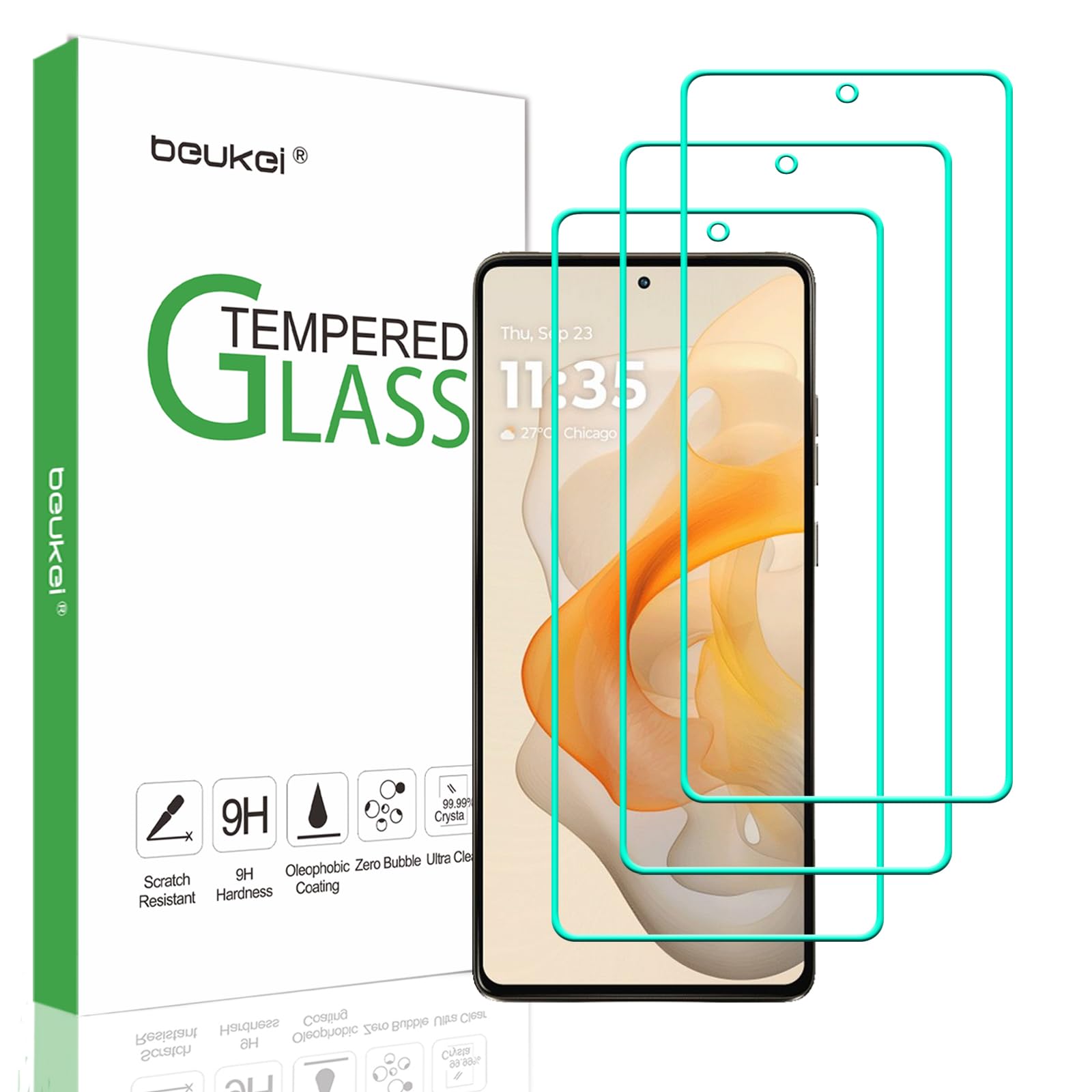
beukei (3 Pack) Designed for Motorola Mo... |

KREMORV Bike Mount for Wahoo Elemnt, Bol... |
|
|---|---|---|---|---|
| Price | $11.95 | $34.99 | $5.85 | $18.99 |
| Brand | BlackBerry | litillbuly | beukei | KREMORV |
| Merchant | Amazon | Amazon | Amazon | Amazon |
| Availability | In Stock Scarce | In Stock | In Stock | In Stock |