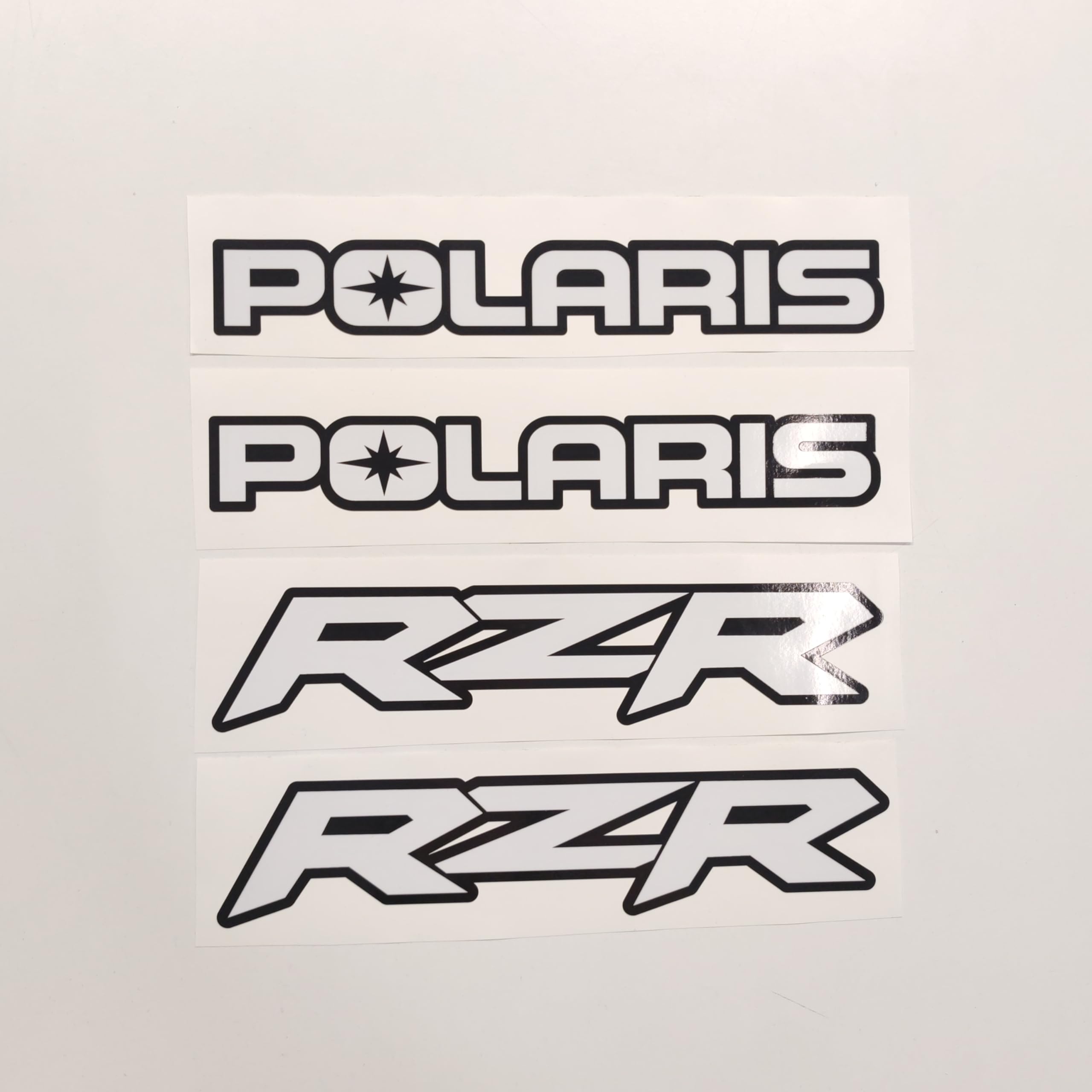
411 Decals Aftermarket Replacement for Polaris RZR Decal Sticker Set
$24.95
| Brand | 411 DECALS |
| Merchant | Amazon |
| Category | Vehicles & Parts |
| Availability | In Stock |
| SKU | B0DD46MT9Q |
| Color | Red |
| Age Group | ADULT |
| Condition | NEW |
| Gender | UNISEX |
| Material | Vinyl |
About this item
411 Decals Aftermarket Replacement for Polaris RZR Decal Sticker Set
Aftermarket replacement decal set made to fit Polaris RZR. SIZE: 2 Decals POLARIS 11.81 "x 1.77" (30cm x 4.5cm) 2 Decals RZR 11.81 "x 2.55" (30cm x 6.5cm) Easy Installation - PEEL & STICK Digitally printed on polymeric foil and laminated Resistant to heat, cold, moisture, oil, UV rays This is not an OEM decal - this is reproduction, similar to the original May differ from original in color, size or shape; Made in EU Aftermarket replacement decals set made to fit Polaris RZR. Digitally printed on polymeric foil and laminated - Resistant to heat, cold, moisture, oil, UV rays. This is not an OEM decal - this is reproduction, similar to the original. May differ from original in color, size or shape. Logos are copyrighted by their respective owners. SIZE: 2 Decals POLARIS 11.81 "x 1.77" (30cm x 4.5cm) 2 Decals RZR 11.81 "x 2.55" (30cm x 6.5cm) Easy Installation - PEEL & STICK APPLICATION 1.You will need masking tape, spray bottle, Joy or dish washing liquid, and a tape measure. 2.Using the masking tape to underline where you want to place the vinyl sign. If you have letters that drop below the line, remove tape in that area. 3.With you spray bottle, mix a solution of 20 drops of Joy, Ivory, etc in one pint of water. Carefully spray the soapy water on the area where you want to place the vinyl. 4.Place the Graphics face down and peel away the waxed paper backing. Then spray the solution on the back of the vinyl sign. Be sure the Graphics is adhering to the application tape (premask). 5.While the area is still very wet, place the Graphics in the selected position. The soapy water allows you to slide Graphics into place. Gently rub palm over Graphics. (The water has no bearing on the adhesion; it is only for positioning the Graphics and removing the air bubbles.) 6.Use the an squeegee ( credit card )to squeeze the water out from under the Graphics. Squeegee in all directions and repeat several times. This process removes air & water from under the Graphics. 7.Let the Graphics dry completely. The amount of time needed to dry depends on the temperature and the humidity. Estimated time: 80 degrees - 30 minutes, 70 degrees - 3 hours, 50 degrees - 4 to 6 hours. These are recommendations ONLY….the Graphics MUST dry prior to the next step. 60 - 70 - 80 degrees are recommended temperatures for post installation. 8. Slowly peel back the pre-mask translucent application tape; the Graphics will adhere to the boat. If the Graphics don't adhere to the boat, you didn't wait long enough for the water to dry behind the Graphics; repeat squeegee process. LET DRY. 9. Now check for any bubbles. If you find any, place a small piece of pre-mask tape over the area; squeeze to the closest edge. If you still have a small bubble you can pop it with a pin. Small bubbles will eventually disappear from the sun over time.
| Brand | 411 DECALS |
| Merchant | Amazon |
| Category | Vehicles & Parts |
| Availability | In Stock |
| SKU | B0DD46MT9Q |
| Color | Red |
| Age Group | ADULT |
| Condition | NEW |
| Gender | UNISEX |
| Material | Vinyl |
Similar Products






Compare with similar items
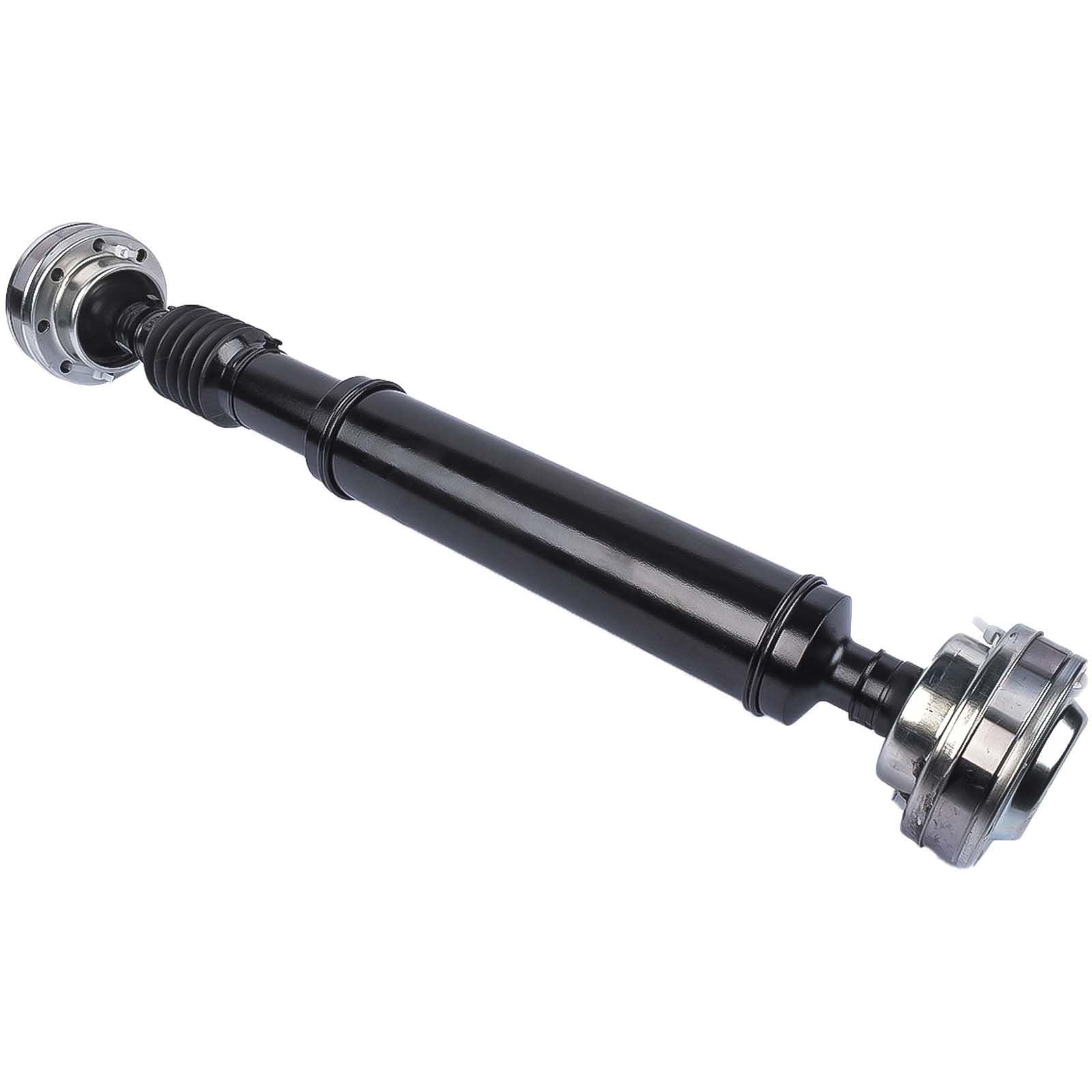
GELUOXI 24" Rear Driveshaft Drive Prop S... |
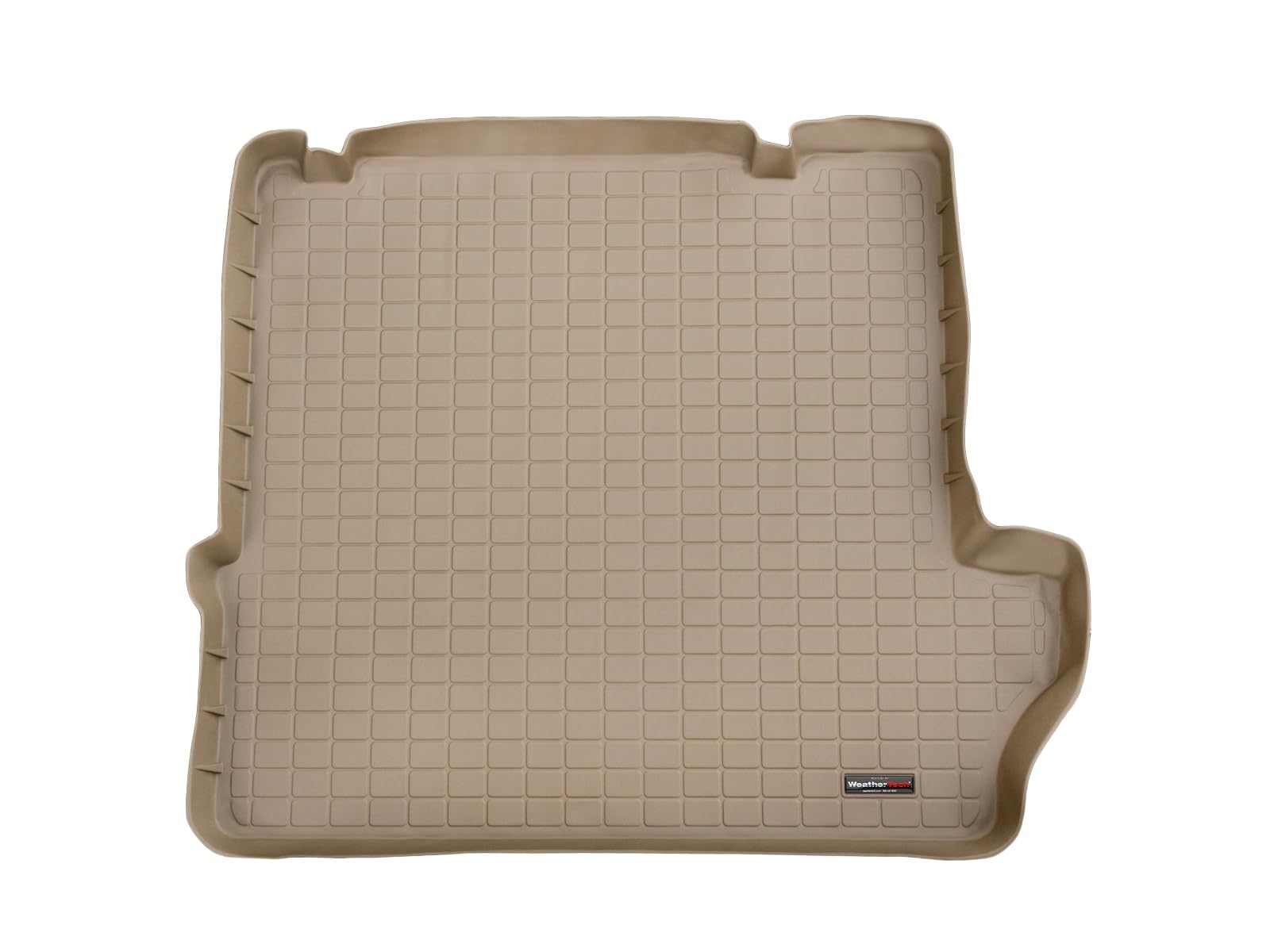
WeatherTech Cargo Trunk Liner for Ford E... |

ACDelco Professional 45D0062 (88911433) ... |
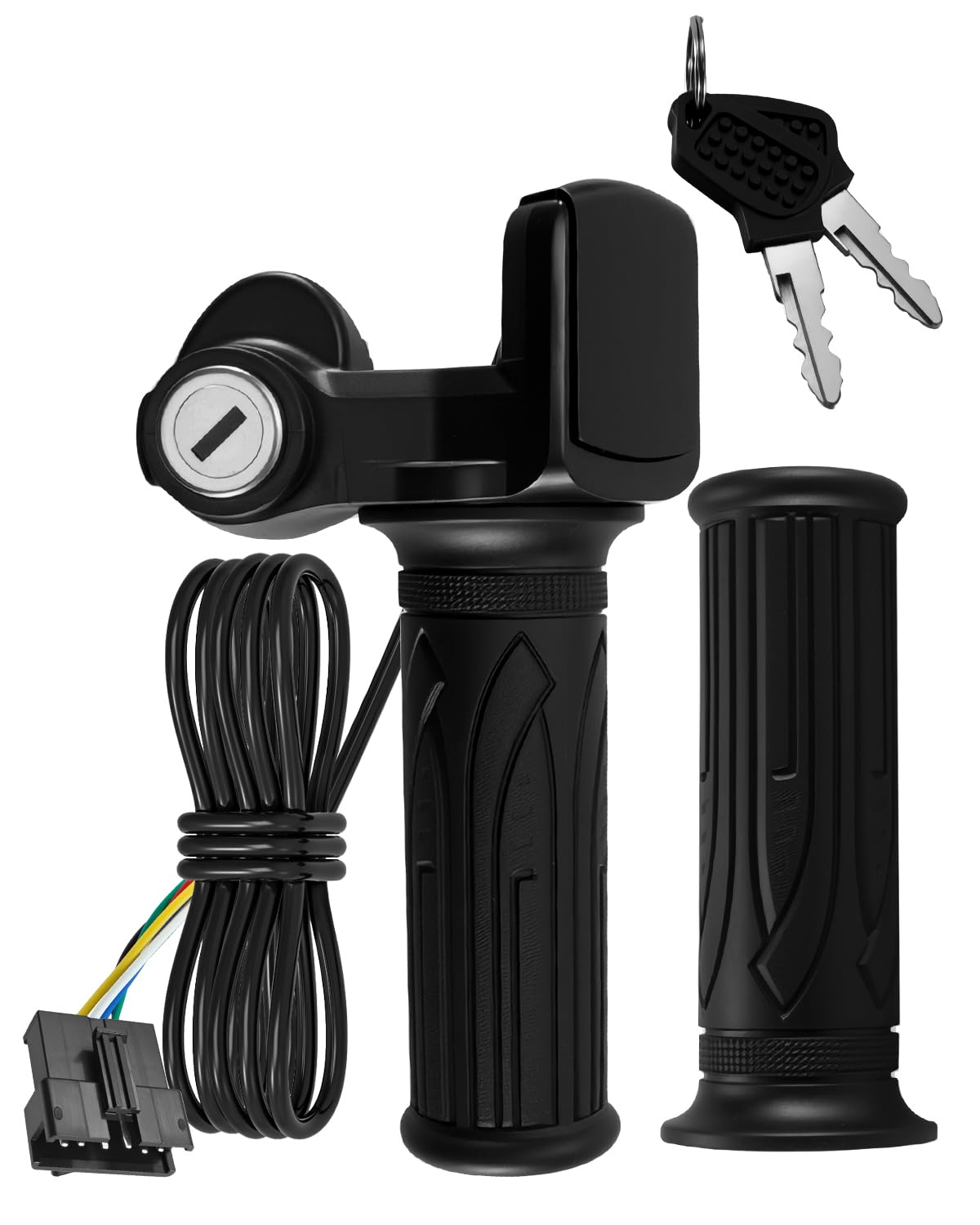
Wusquvy 36V 6-Pin Electric Scooter Throt... |
|
|---|---|---|---|---|
| Price | $167.00 | $128.95 | $31.10 | $30.99 |
| Brand | GELUOXI | WeatherTech | ACDelco | Wusquvy |
| Merchant | Amazon | Amazon | Amazon | Amazon |
| Availability | In Stock Scarce | In Stock | In Stock Scarce | In Stock |