

FENIFOX Bluetooth Mouse Slim, Whisper-Quiet Mini Flat Portable Mobile Mice Rechargeable Compatible with Laptop,PC,Android Windows Tablet (Deep Blue)
$28.99
| Brand | FENIFOX |
| Merchant | Amazon |
| Category | Computers |
| Availability | In Stock |
| SKU | B0CNSV91L4 |
| Color | blue |
| Age Group | ADULT |
| Condition | NEW |
| Gender | UNISEX |
| Material | Plastic |
About this item
FENIFOX Bluetooth Mouse Slim, Whisper-Quiet Mini Flat Portable Mobile Mice Rechargeable Compatible with Laptop,PC,Android Windows Tablet (Deep Blue)
LIGHT and ULTRA-THIN: Slim and light design, only 0.6 in thick, 0.1 lbs weight. Made of ABS+PC material, it doesn’t occupy USB port when used. The lightweight and portable designing is the first choice for travel LOW DECIBEL BUTTON: Low decibel left and right mouse buttons, Suitable for libraries, conference rooms, coffee shops and other occasions ENERGE SAVING and ENVIRONMENT-FRIENDLY: The mouse has its own power switch and enter sleep mode automatically. It is the most safe and stable lithium polymer battery, work over 3 weeks after one fully charge , can be charged more than hundred times WIDE COMPATIBILITY: Compatible with the devices,that have 3.0 Version Bluetooth or higher.Like PC,laptop,tablet.But Not compatible with iphone or ipad EASY to OPERATE: There just need three steps to connect devices that support bluetooth mouse.And more clear indicator.There has power signal light, pairing signal light, DPI signal light, low battery signal light and charging signal light. Finally, this mouse can be used normally when it charging
Specifications:
*Bluetooth Version: Bluetooth 3.0
*3 DPI Levels: 800/1200/1600
*500Mah rechargeable battery capacity
*Operating Range: Max.32.8FT
*Dimension: 4.45"x2.3"x0.9"(LxWxH)
*Net Wight:45g
*Buttons: Left/right click, scroll wheel, DPI button, on/off switch, Bluetooth connection button.
What's in The Box:
1 x Slim Bluetooth Mouse
1 x User Manual
1 x USB cable
Installation Guide:
1. Turn off the power switch at bottom of the mouse.
2. Connect with USB cable for charging, charge for 1~2 hours.
3. Red light will turn on to indicates charging. After fully charge,light should turn to green.
4. Turn on Bluetooth on your computer(Please refer to pictures below) , search for external Bluetooth device, after your computer find the mouse and pop up a mouse icon. Click the mouse icon for pairing.
5. Make sure that the Bluetooth Function has been activated. Double click the Bluetooth Icon on the Task Bar or in the Control Panel, open the "Bluetooth Management" window, click "Add",tick off "facility is ready for searching", click "Next".
Note:
1. You need to turn off and turn on the power switch to wake the mouse if your computer restarts after a long time sleep .
2. If your device doesn't have Bluetooth function, you need to install a Bluetooth dongle first.
| Brand | FENIFOX |
| Merchant | Amazon |
| Category | Computers |
| Availability | In Stock |
| SKU | B0CNSV91L4 |
| Color | blue |
| Age Group | ADULT |
| Condition | NEW |
| Gender | UNISEX |
| Material | Plastic |
Similar Products







Compare with similar items
Car Carplay Cable for iPhone 17 16 15 Ch... |

AC/DC Wall Power Charger Adapter Cord fo... |
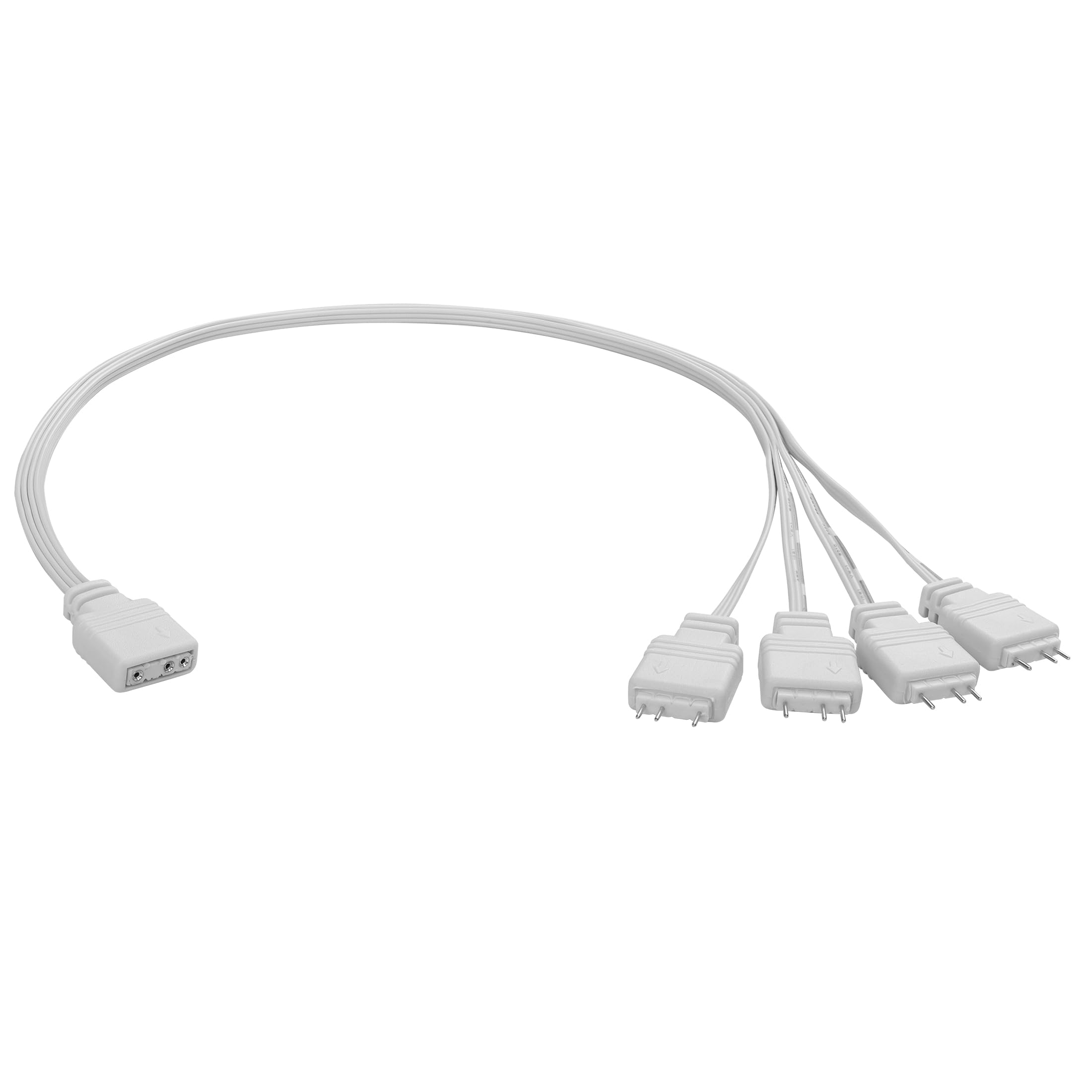
YAODHAOD ARGB Splitter Cable,5V 1 Female... |
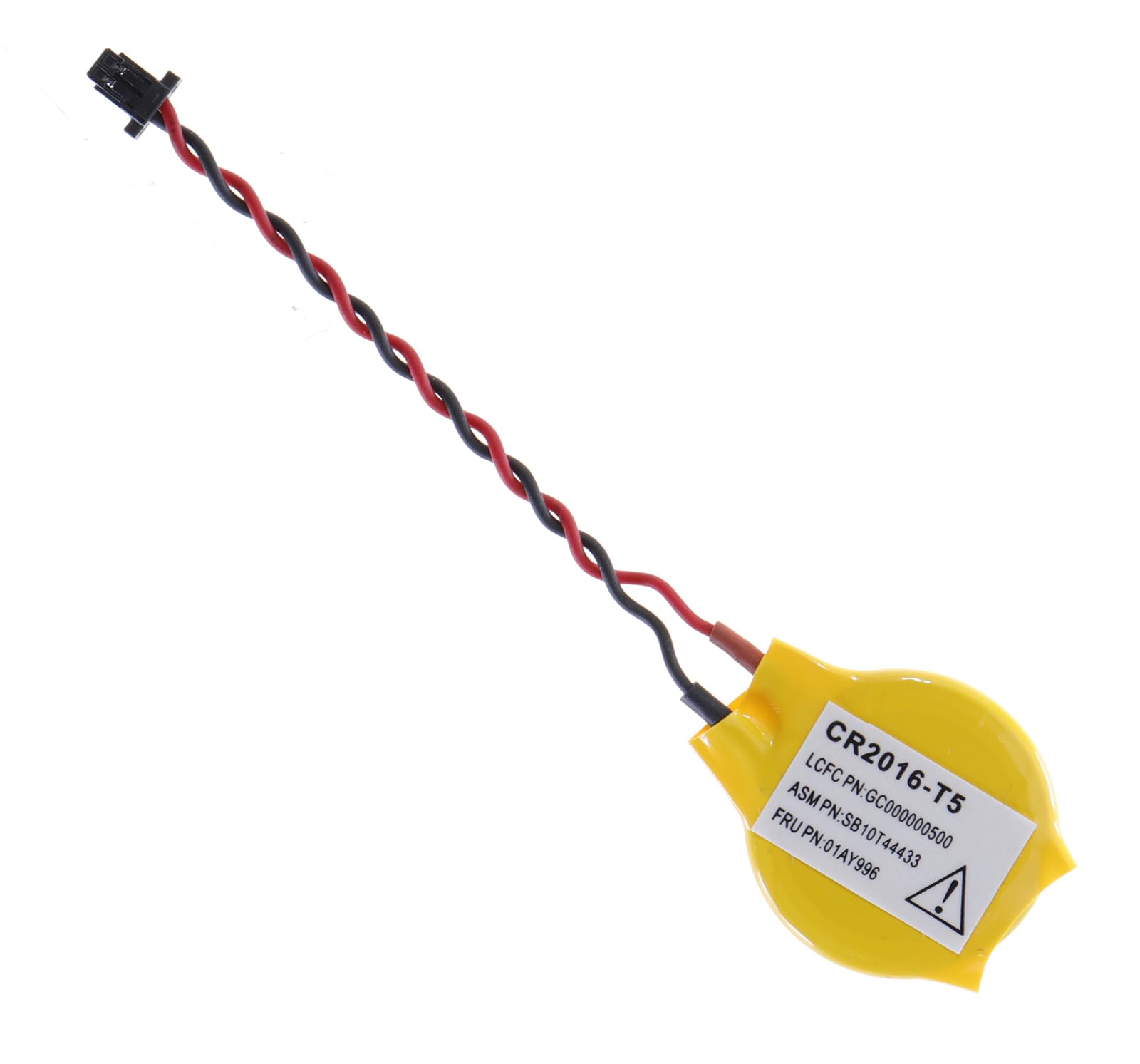
LeFix BIOS CMOS RTC Battery Compatible w... |
|
|---|---|---|---|---|
| Price | $17.99 | $12.29 | $9.99 | $8.99 |
| Brand | Cabepow | JNSupplier | YAODHAOD | LeFix |
| Merchant | Amazon | Amazon | Amazon | Amazon |
| Availability | In Stock | In Stock | In Stock | In Stock Scarce |