
JMT PCI-E 4.0 x16 1 to 2 Expansion Card Gen3 Split Card PCIe-Bifurcation x16 to x8x8 with 20mm Spaced Slots CPU4P Power Supply Port (+4Pin Cable)
$54.98
| Brand | JMT |
| Merchant | Amazon |
| Category | Computers |
| Availability | In Stock Scarce |
| SKU | B0BHNPKCL5 |
| Color | +4Pin Cable PCI-E 4.0 |
| Age Group | ADULT |
| Condition | NEW |
| Gender | UNISEX |
| Google Product Category | Electronics > Computers |
| Product Type | Electronics > Computers & Accessories > Computer Components > Internal Components > Network Cards |
About this item
JMT PCI-E 4.0 x16 1 to 2 Expansion Card Gen3 Split Card PCIe-Bifurcation x16 to x8x8 with 20mm Spaced Slots CPU4P Power Supply Port (+4Pin Cable)
PCIE X16 full bandwidth 4. 0 , GEN*4 protocol, compatible with gen3 / gen4(Specific circumstances are required to fully operate in GEN4 state). Conditions of use: Motherboard BlO*S supports changing PCIE operating mode to X8X8. Gold finger sinking process, increase gold thickness to 5U. Adopt new generation GEN*4 connector with dust plug and snap. 2cm slot spacing. Supports PCIE extension cable adapter. With clock splitting IC. With power on LED indicator. With CPU4P auxiliary power supply port. JMT PCI-E 4.0 x16 1 to 2 Expansion Card Gen*3 Split Card PCIe-Bifurcation x16 to x8x8 with 20mm Spaced Slots CPU4P Power Supply Port
Features:
1, PCIE X16 full bandwidth 4. 0 , GEN*3 protocol, compatible with gen3\gen4(Specific circumstances are required to fully operate in GEN4 state).
2,Conditions of use: Motherboard BlO*S supports changing PCIE operating mode to X8X8.
2,Gold finger sinking process, increase gold thickness to 5U.
3,Adopt new generation GEN*4 connector with dust plug and snap.
4,With clock splitting IC.
5,With power on LED indicator.
6,With CPU4P auxiliary power supply port.
7, 2cm slot spacing. Supports PCIE extension cable adapter.
Instructions for use:
1.Have a motherboard with vifurcation, make sure the motherboard is in the support list of the product.
2. Enter the motherboard BIOS and set for the PCIE slots to X8X8 mode.
3. Make sure the adapter is installed into the slot that is set to X8X8, not another PCIE slot.
Warm Tips:
1. If the two graphics cards are not running, you can set the PCIE speed to GEN3 and try it.
2. the device does not consume power, the motherboard provides a maximum of 75W to the PCIE, 75W if distributed to the two GPUs will result in insufficient power at the PCIE end, so additional supplementation is required, no matter how much supplementation you provide, it will only get what is needed.
| Brand | JMT |
| Merchant | Amazon |
| Category | Computers |
| Availability | In Stock Scarce |
| SKU | B0BHNPKCL5 |
| Color | +4Pin Cable PCI-E 4.0 |
| Age Group | ADULT |
| Condition | NEW |
| Gender | UNISEX |
| Google Product Category | Electronics > Computers |
| Product Type | Electronics > Computers & Accessories > Computer Components > Internal Components > Network Cards |
Similar Products
![SAMONPOW for Samsung Galaxy S24 FE Case with Screen Protector + Camera Cover [4-in-1] Galaxy S24 FE Wallet Case Card Holder Shockproof Phone Case for](https://m.media-amazon.com/images/I/716Wg79TkQL.jpg)






Compare with similar items
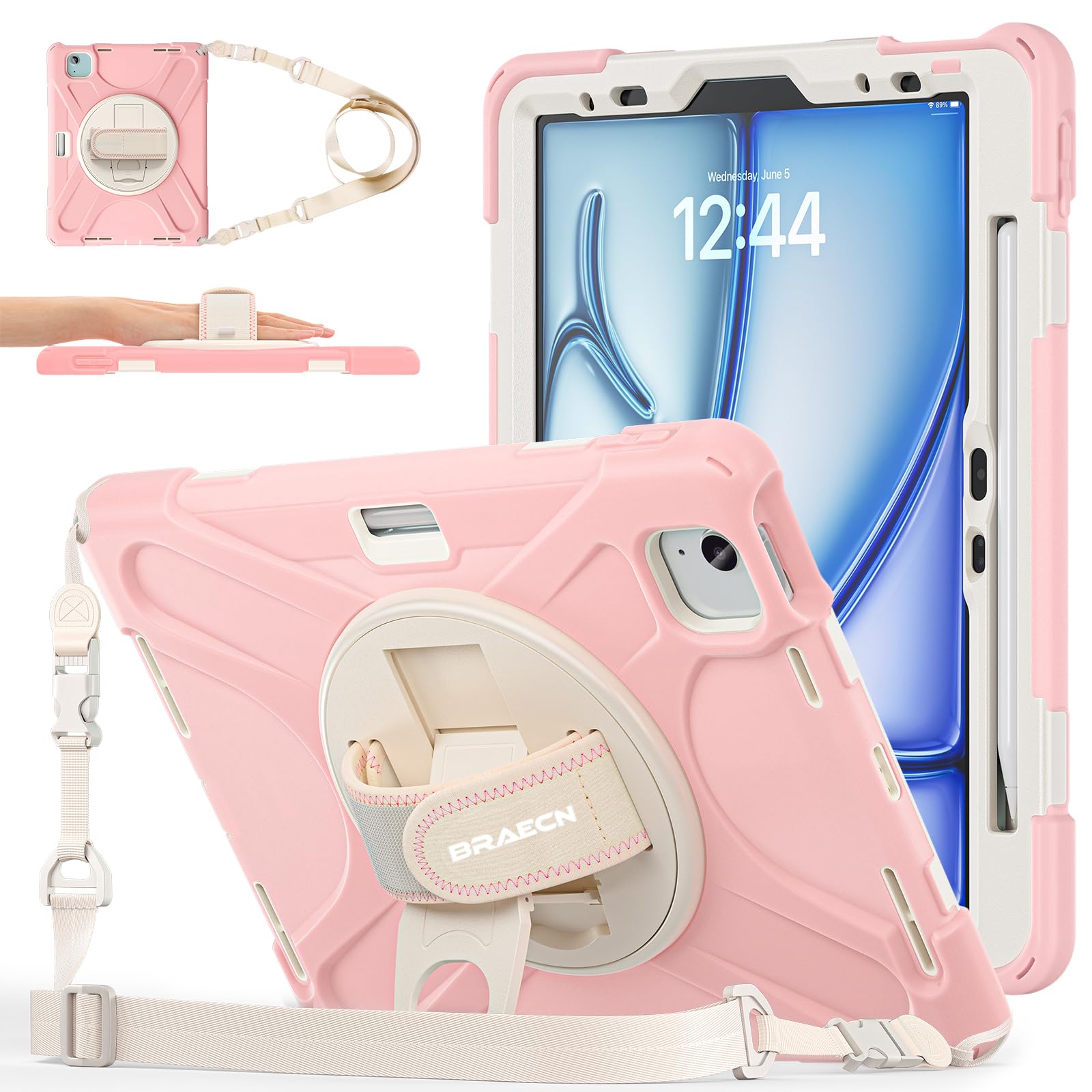
BRAECNstock Kids Case for iPad Air 11 in... |
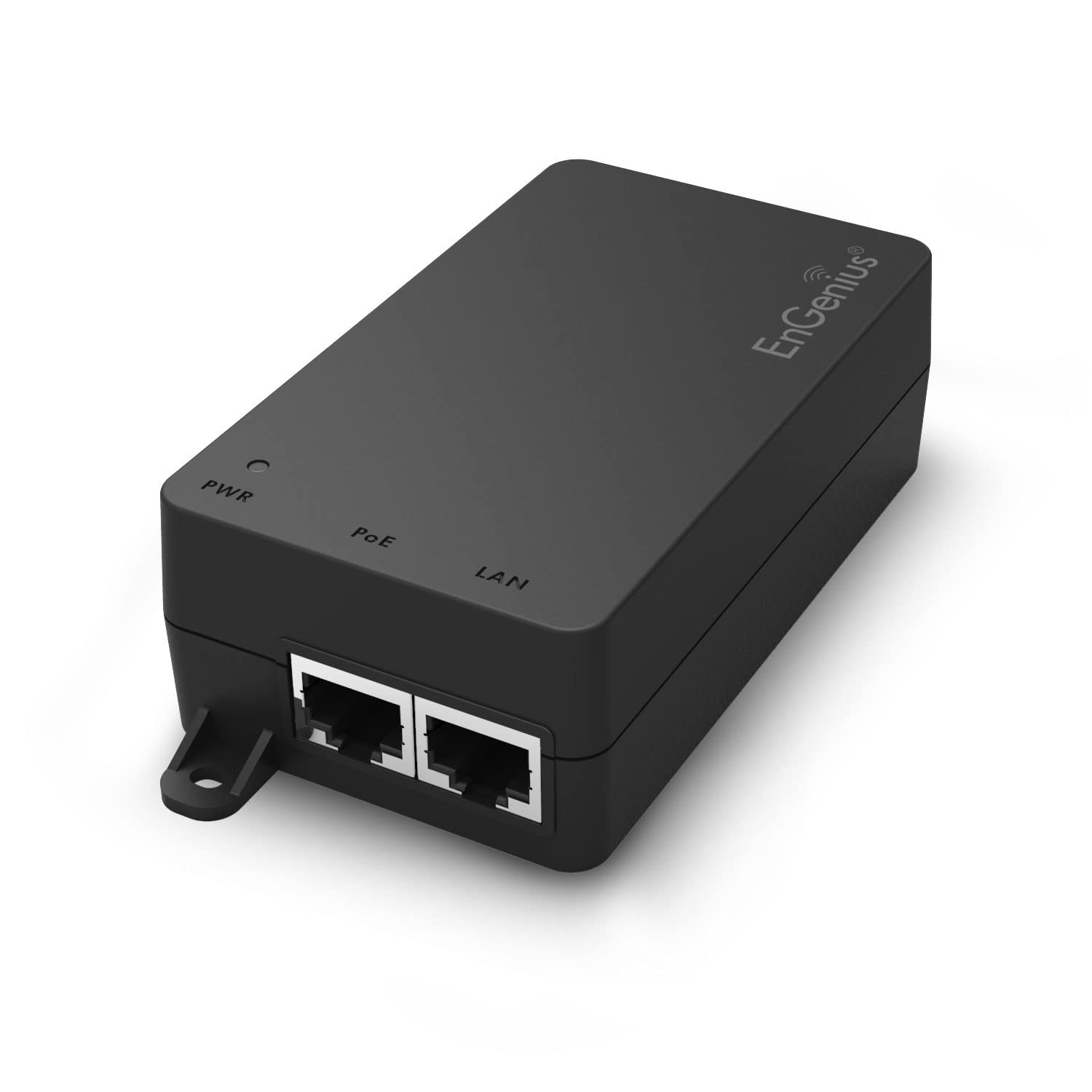
EnGenius 10Gbps Power Over Ethernet PoE+... |

Auhoahsil Ergonomic Mouse Pad with Wrist... |

CablesOnline 6-Pin Female to 4-Pin Male ... |
|
|---|---|---|---|---|
| Price | $27.99 | $44.99 | $9.99 | $8.50 |
| Brand | BRAECNstock | EnGenius | Auhoahsil | CABLESONLINE.COM ATLANTIC COMPUTERTECH |
| Merchant | Amazon | Amazon | Amazon | Amazon |
| Availability | In Stock | In Stock Scarce | In Stock | In Stock |