
Koolertron One Handed Mechanical Gaming Keyboard with 24 Macro Keys, 45-Key Fully Programmable Mini Keypad, Blue Backlit/Red Switches for Windows PC
$79.99
| Brand | Koolertron |
| Merchant | Amazon |
| Category | Computers |
| Availability | In Stock |
| SKU | B0963F55TM |
| Color | Black/Blue LED/Red switches |
| Age Group | ADULT |
| Condition | NEW |
| Gender | UNISEX |
| Material | Acrylonitrile Butadiene Styrene |
| Google Product Category | Electronics > Computers |
| Product Type | Video Games > Mac > Accessories > Gaming Keyboards |
About this item
Koolertron One Handed Mechanical Gaming Keyboard with 24 Macro Keys, 45-Key Fully Programmable Mini Keypad, Blue Backlit/Red Switches for Windows PC
🟩【Updated Function】The rotating knob is not only normal rotation left and right, but also can be used as other keys when you press it. Programmable with a rotating knob. The left and right rotation can be infinitely rotated, making it easy for you to set up and down the volume, switch between previous/next music, increase or decrease light brightness, switch between light modes, and forward and backward pages. 🟩【All 45 Key Programmable】Exclusive soft and allows you to program all keys. Customize to fit your environment Besides the normal 127 keys, you can set web navigation buttons, 19 multimedia shortcuts, keyboard locks, windows lock, etc 🟩【16 Macro Keys】The macro function also supports up to 349 key commands.It simplifies creative and complex editing tasks such as video and publishing,and greatly increases your work efficiency.Office software shortcuts such as Word/Excel,CAD,Adobe Ae/Pr/Ps software shortcuts and games quick tricks and programming. For example, you can set it and press it on the specific key to "ctrl + a 0.5s ctrl+c 0.5s ctrl+v"to operate this operation. 🟩【4-Layer Configuration】The contents of the program are stored in the built-in MCU (small CPU). 4 types of settings can be stored, so you can use them according to the situation. The settings are stored in the main unit, so you don't have to worry about resetting the keyboard every time you change the computer. Not only for gamers, but also for designers and video creators. 🟩【Blue LED Backlight】Black mechanical gaming keyboard with blue backlight and black and blue are a nice match. The black and blue matches give off a cool image and the cool voy and gull. You can adjust or turn off the brightness of the blue backlight. Very clear and bright to see your keys clearly. You can enjoy it in the dark night without a lamp. 🟩【Supports iPad】According to the Apple official site,1.iPad Pro 11 inch (1st generation)/later; 2. iPad Pro 12.9 inch (3rd generation)/later;3.iPad Air (4th generation) and later.This 3 iPad types can be connected to a keyboard (docking station required).The small and portable one-handed mechanical keyboard can be used on your iPad.You can also use it for drawing and office software. (For more details, please refer to the "Product Description"). 🟩Caution:The keyboard can not be installed in the MAC system,but it can be used with MAC after setting it on a Windows PC,so please refrain from using if you only have MAC. 💘Best service guarantee: If you have any questions after receiving the goods, please feel free to contact our customer service. xunlefei's customer service will do its best to help you. Note:
Please download the keyboard's configuration software according to the URL on the manual After opening the software,
when you need to use the "Key Mapper / Custom Macro / Quick Macro / Options " function, you need to click the "Connect" in the top-left to connect the keypad.
Once set up, you need to click the "Upload" to save. Otherwise all settings are invalid. It is recommended to use "Key action tracking",
which is the key action tracking function. After checking "Key action tracking", press any key on the keyboard or turn the knob,
the software will mark the position of this key in the software, which is convenient for direct comparison.
Normal / FN / FN2 /FN3 4-Layer Configuration
You can set up Normal / FN / FN2 / FN3 4-layer configuration.
Once set up, the 45-keys keypad will be converted into more keypad.
You need to set a shortcut key of the FN layer in the Normal layer, When you need to enter a key on the FN layer, you need to press and hold the FN key on the normal layer, and then press the key of the FN layer that you want to enter.
Custom Advanced Macro
You can set up 12 advanced macros (with time delay) and 12 quick macros (without time delay). Each macro can record up to 42 characters. A total of 24 macros can be cascaded or cycled.
The user can define a key as a specified macro, and automatically trigger the macro by simply triggering the key.
When using a loop macro, press the key to trigger and press again to stop
Specifications:
Keyboard Interface: USB Type-C
Rating: DC 5V,
| Brand | Koolertron |
| Merchant | Amazon |
| Category | Computers |
| Availability | In Stock |
| SKU | B0963F55TM |
| Color | Black/Blue LED/Red switches |
| Age Group | ADULT |
| Condition | NEW |
| Gender | UNISEX |
| Material | Acrylonitrile Butadiene Styrene |
| Google Product Category | Electronics > Computers |
| Product Type | Video Games > Mac > Accessories > Gaming Keyboards |
Similar Products





Compare with similar items
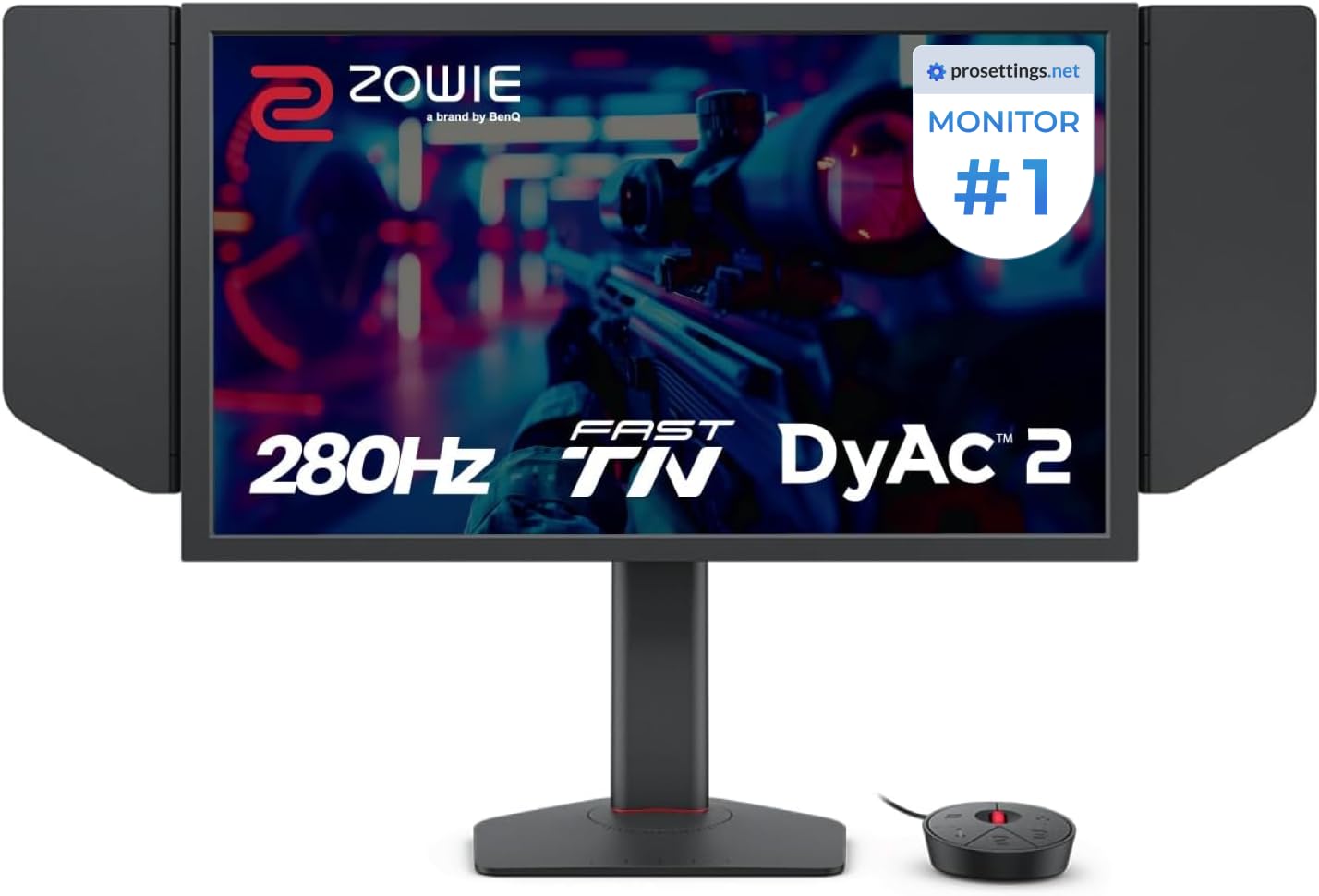
BenQ Zowie XL2546X+ 24.1 Fast TN 280Hz G... |

Dogfish Msata 60GB Internal Solid State ... |

Syntech USB C Male to USB3 Female Adapte... |

BoxWave Screen Protector Compatible with... |
|
|---|---|---|---|---|
| Price | $499.99 | $39.99 | $13.99 | $17.95 |
| Brand | BenQ | THREE COLOUR DOGFISH | Syntech | BoxWave |
| Merchant | Amazon | Amazon | Amazon | Amazon |
| Availability | In Stock | In Stock Scarce | In Stock | In Stock Scarce |