
CIVPOWER Wireless Charging Case Compatible with AirPods 1 2,Air pods Charger Case Replacement with Bluetooth Pairing Sync Button,no Aipods (Black)
$22.99
| Brand | CIVPOWER |
| Merchant | Amazon |
| Category | Telephony |
| Availability | In Stock Scarce |
| SKU | B094D9C7K7 |
| Color | Black |
| Age Group | ADULT |
| Condition | NEW |
| Gender | UNISEX |
| Google Product Category | Electronics > Communications > Telephony |
| Product Type | Electronics > Headphones, Earbuds & Accessories > Cases |
About this item
CIVPOWER Wireless Charging Case Compatible with AirPods 1 2,Air pods Charger Case Replacement with Bluetooth Pairing Sync Button,no Aipods (Black)
Air Pods Charging Replacement: If you have lost or damaged your Air pods charging case, choose this nice wireless Airpods charging case which is compatible with AirPods 1 & AirPods 2 Meet Your Demand: Our Air pods charger support wireless and wire charging; SYNC button and lightning charger enable you enjoy sensitive bluetooth pairing and fast charging More Than Five Times Charge: Super and unique 450 mAh power capacity can support to charge your AirPods more than five times; This AirPods charging case really realize fifteen minutes charging and three hours listening time Easy to Carry: Our charging case weighs only 35 grams, just like the original, making it easy to carry around and providing high-quality case protection Contact Us: If you have any question about the wireless Air pods charging case, please feel free to contact us; We will do everything we can for you Distinguishing Feature
Battery Capacity: 450 mah
Charge AirPods for more than 5 times
Note
Not include Airpods
Not for Pro and 3rd Series
Flashing Light Indicator
Red light (battery level: 0%-33% )
Blue light (battery level: 33%-66% )
Green light (battery level: 100% )
How to match
1.Place the earbuds into the charging case and open the lid.
2.Activate Bluetooth, and click on Connect the iCloud on the phone's pop-up menu.
3.Press the sync button until the green light starts flashing, then click the connection option on the popup window.
Common Fault and Eliminating Methods
1.One of the earbud have no sound once paired: Put the earbuds into charging case close the lid,and then open the cover.
2.Bluetooth pairing failed several times:
1) After the charging case is fully charged, put your earbuds into case for charging and then pair again.
2)After the battery of earbuds are exhausted, put them into charging case and then you can pair successfully.
3.After a long time in the charging case, earbuds has no sound:
make both charging case and earbuds in full- charge or Check the earbuds are connected to the phone whether or not.
4.The phone didn't pop up the pairing window for a long time:
1)Check whether the phone has bluetooth enabled
2)Due to some abnormal functions caused by the long running of the phone, please restart the phone.
3.)Unlock the phone after the lock screen,remove the earbuds and put them back into the charging case and then pair.
5.The icons of the earbuds or charging case only show the triangle on the phone: Check to see if the phone has been updated to IOS12.2 or above.
| Brand | CIVPOWER |
| Merchant | Amazon |
| Category | Telephony |
| Availability | In Stock Scarce |
| SKU | B094D9C7K7 |
| Color | Black |
| Age Group | ADULT |
| Condition | NEW |
| Gender | UNISEX |
| Google Product Category | Electronics > Communications > Telephony |
| Product Type | Electronics > Headphones, Earbuds & Accessories > Cases |
Similar Products
![Mr.Shield Screen Protector compatible with TCL 505 / 505S [Tempered Glass] [3-PACK] [Japan Glass with 9H Hardness]](https://m.media-amazon.com/images/I/81Y6ept7MfL.jpg)

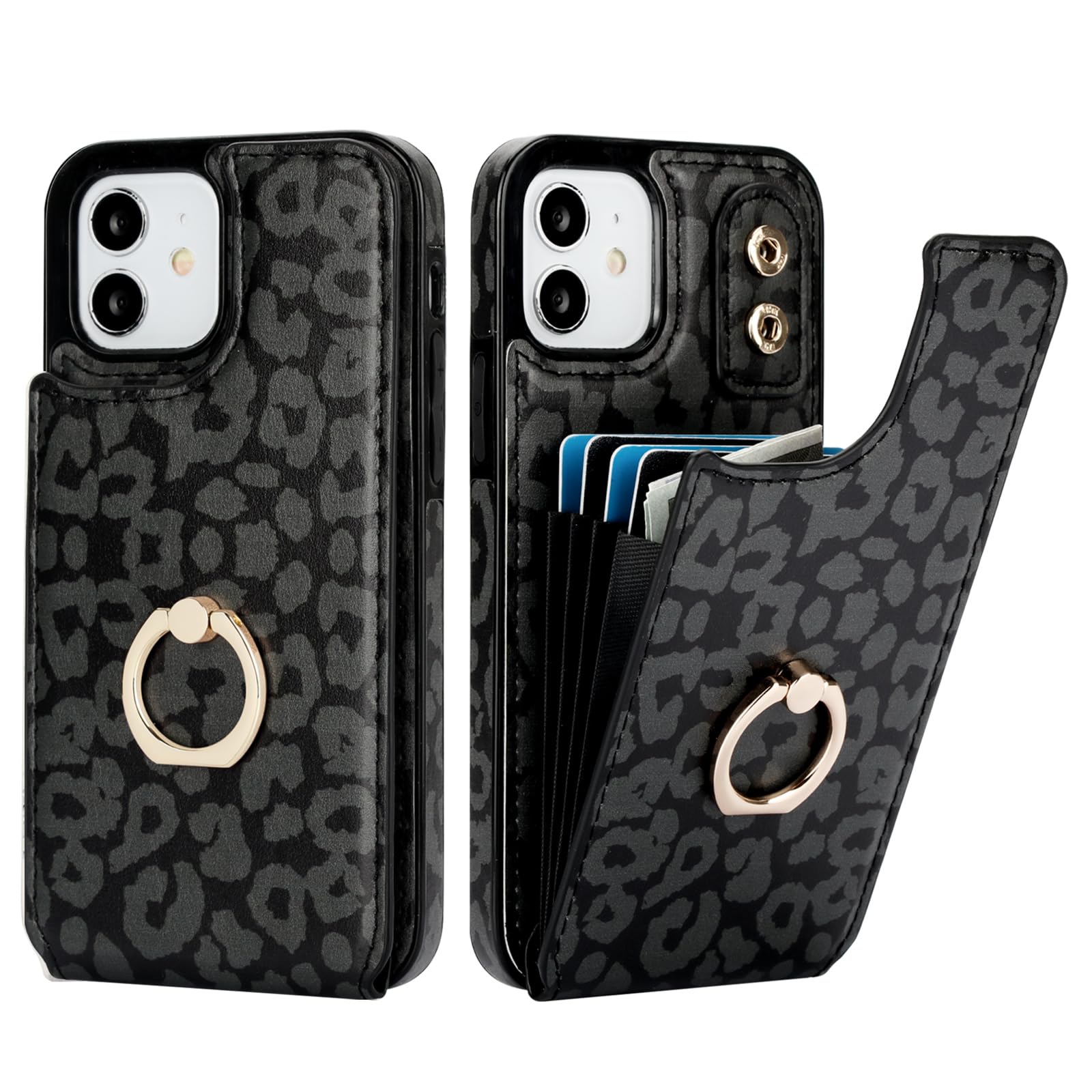
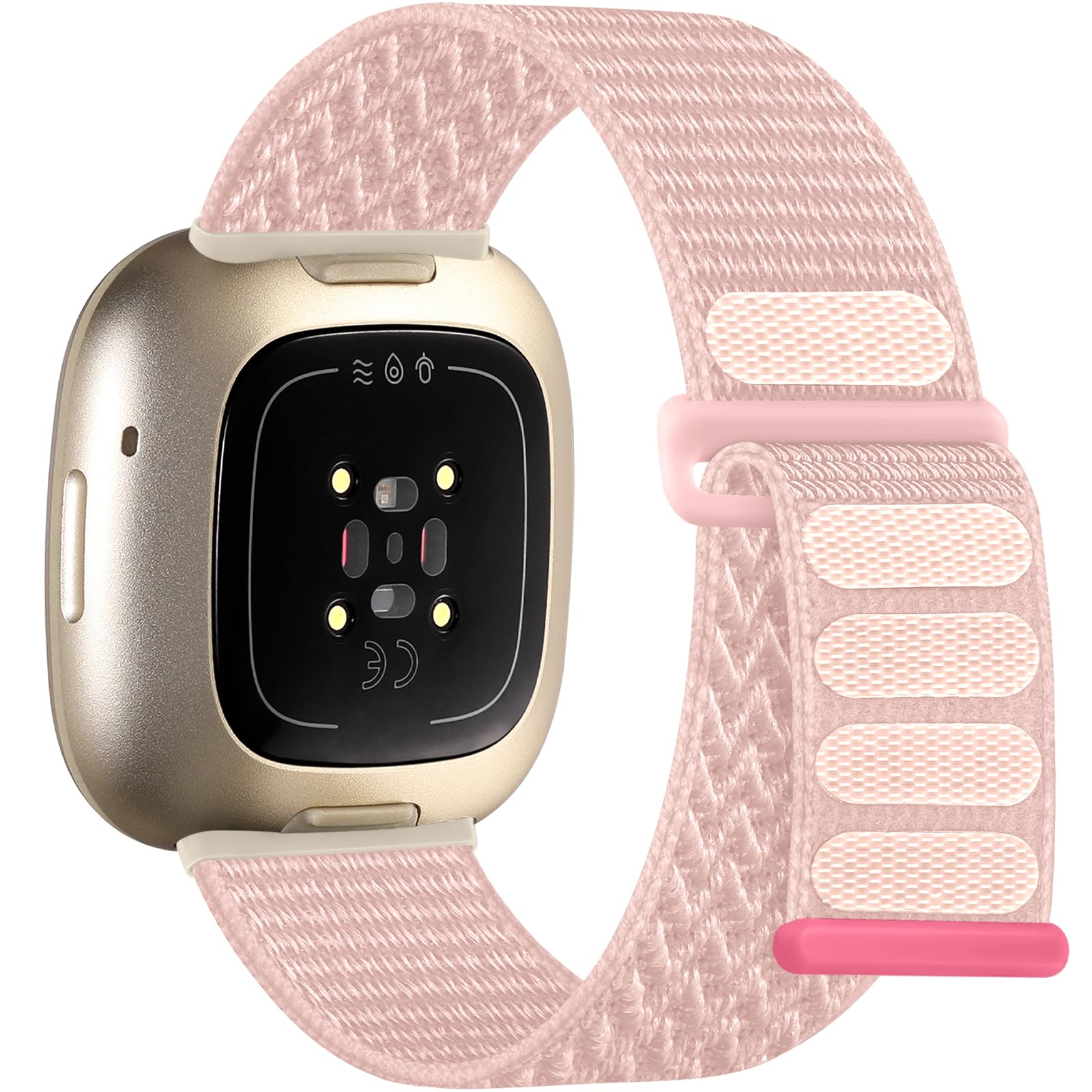

Compare with similar items
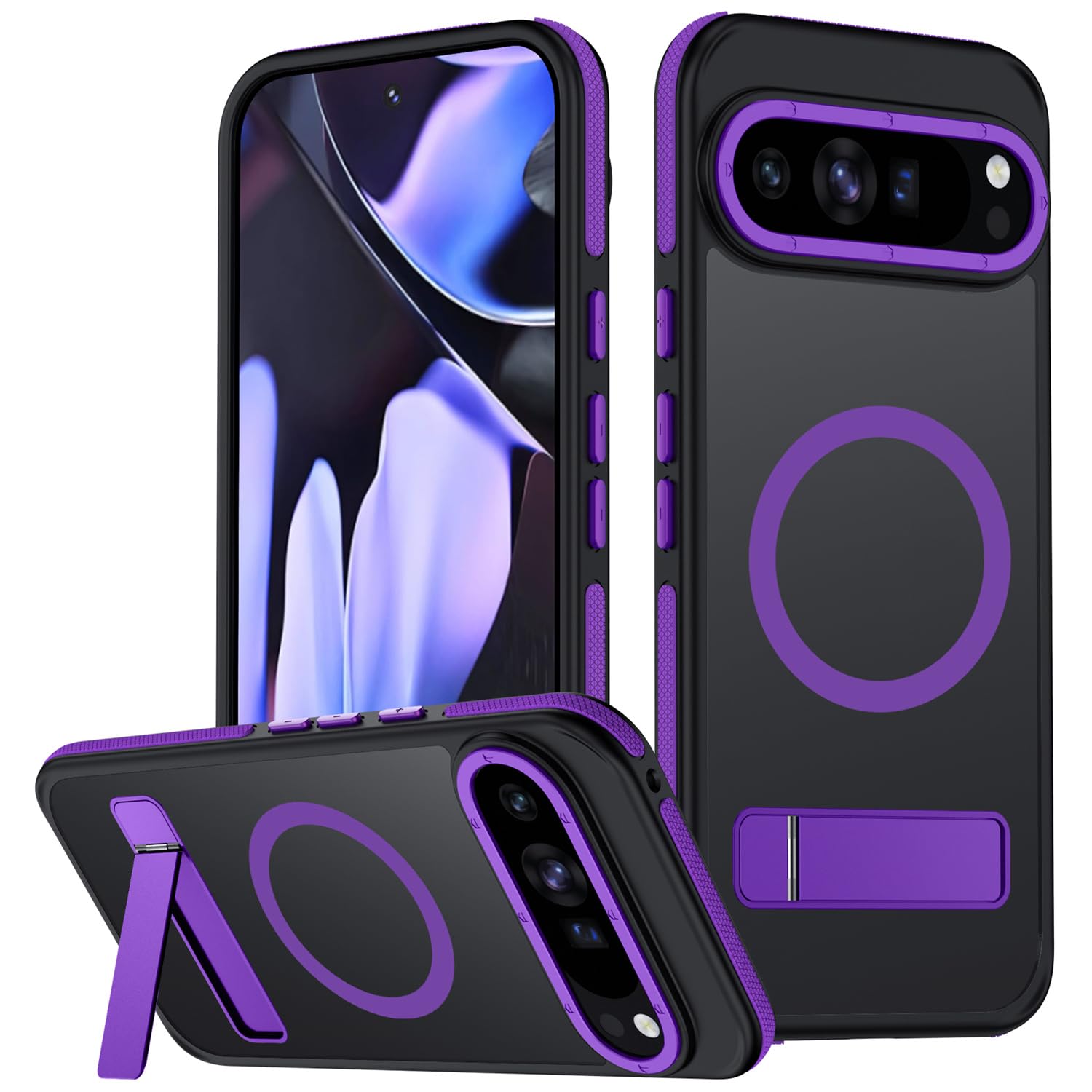
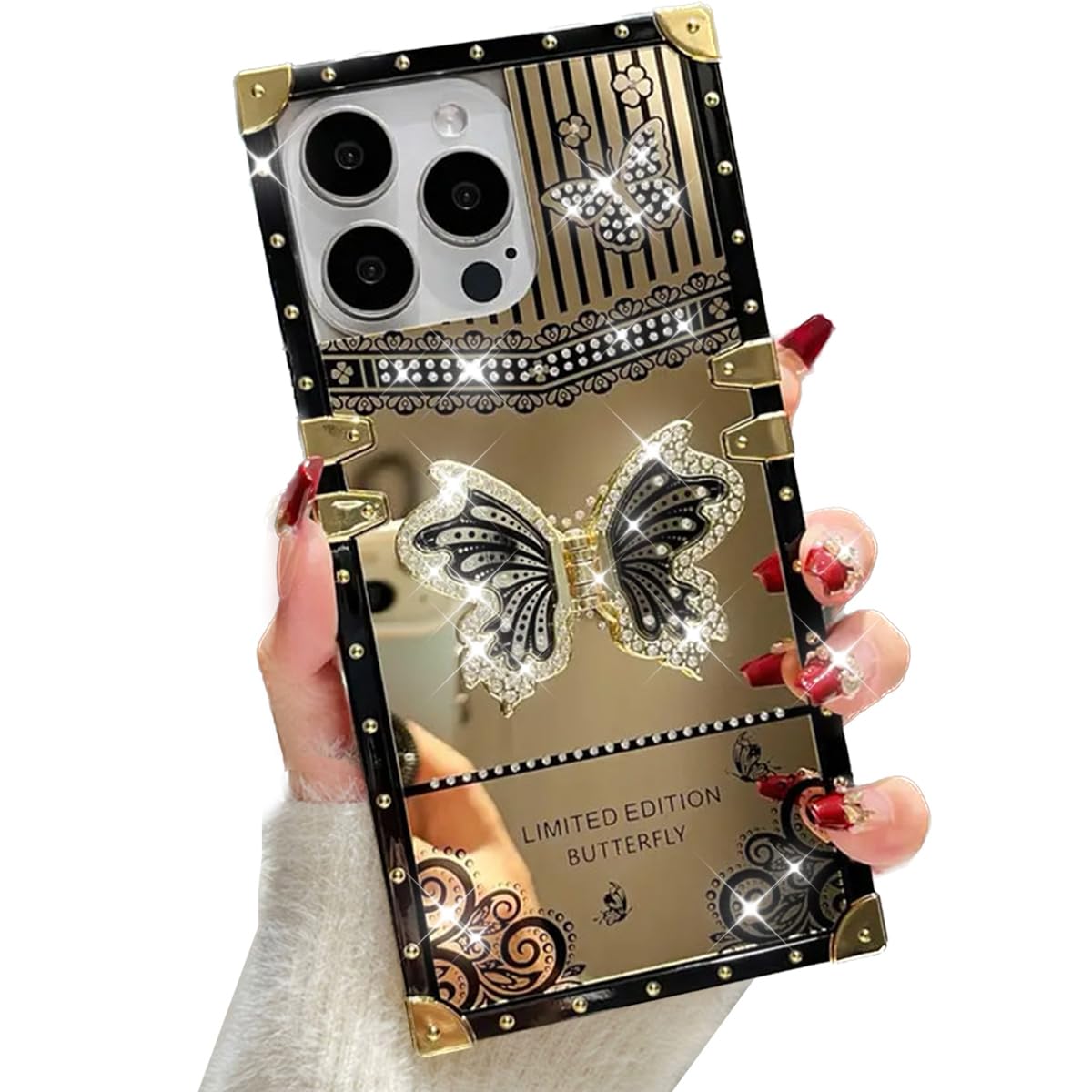
Mondelete for Google Pixel 9 Pro XL Case... |
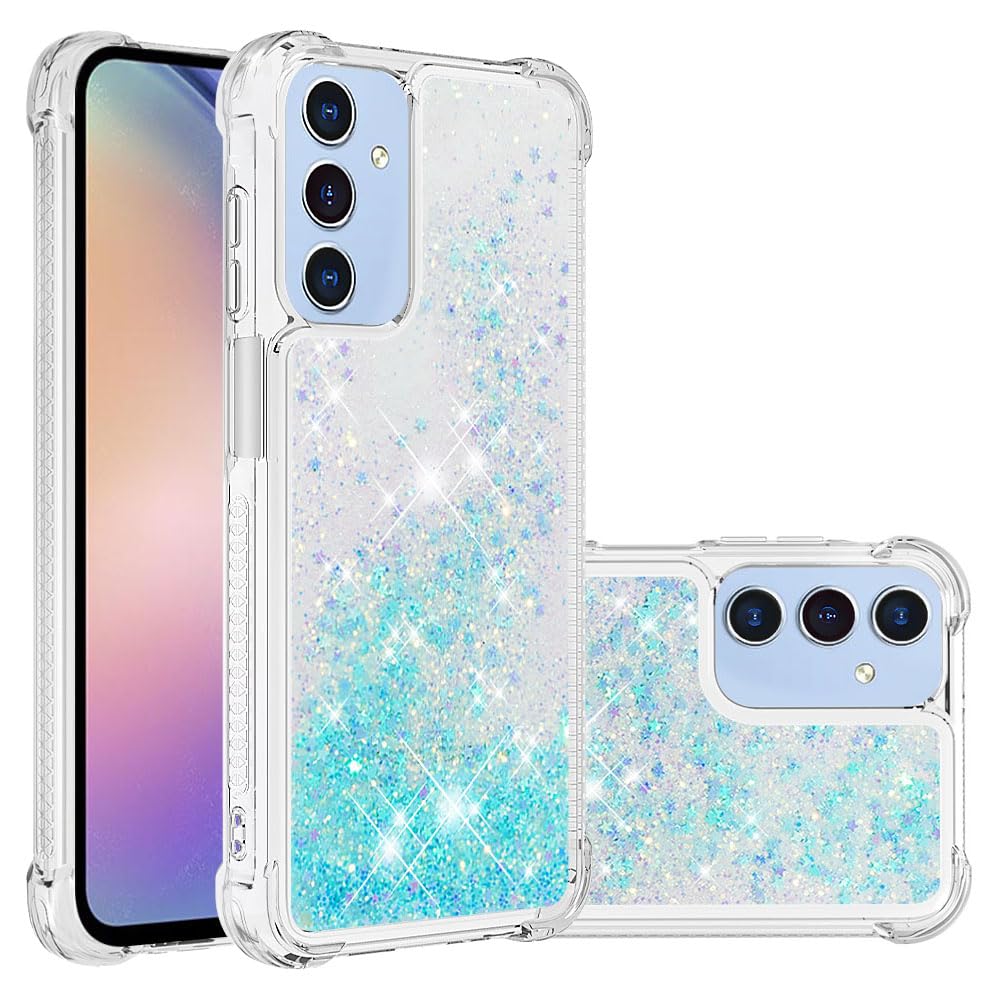
LEMAXELERS Compatible with Samsung Galax... |
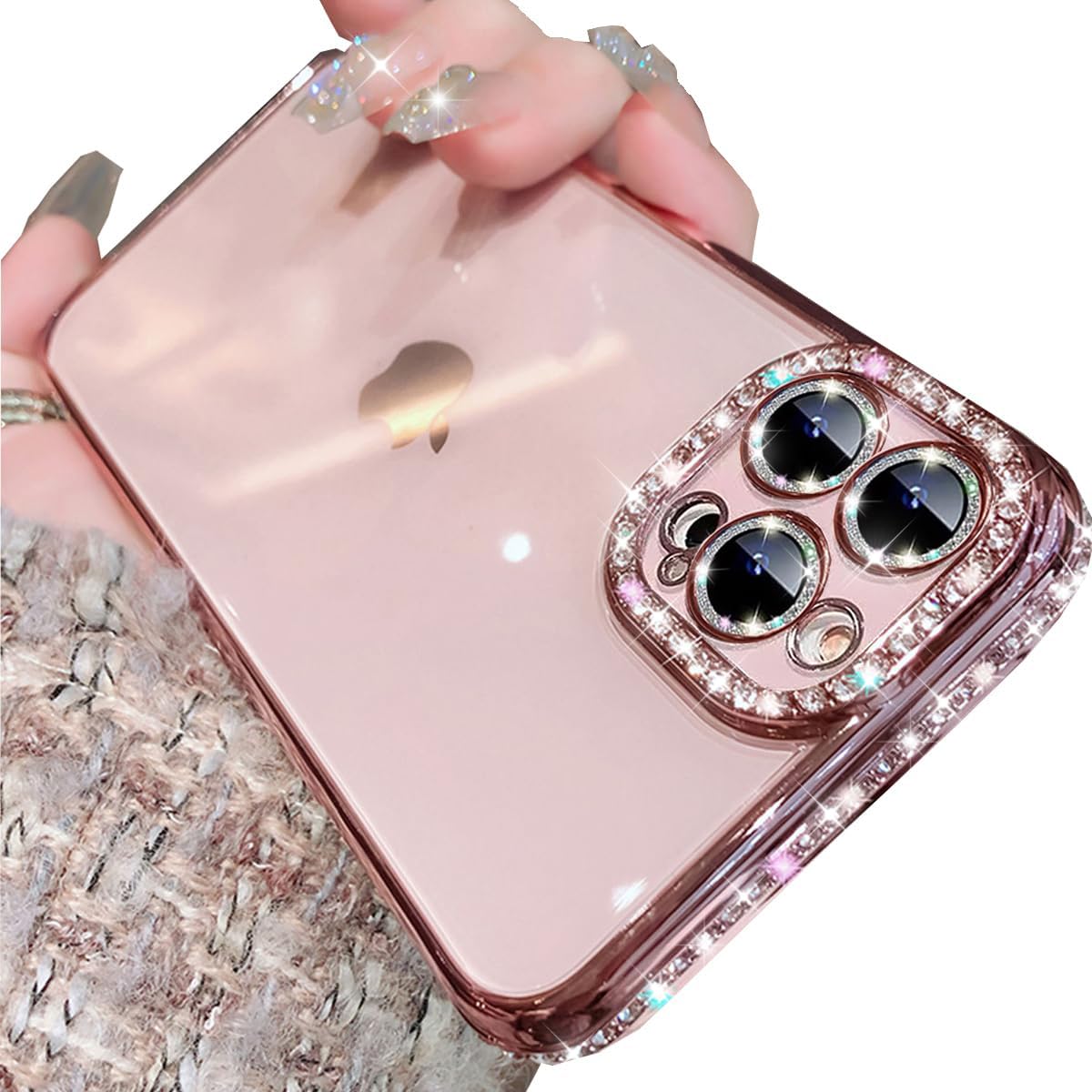
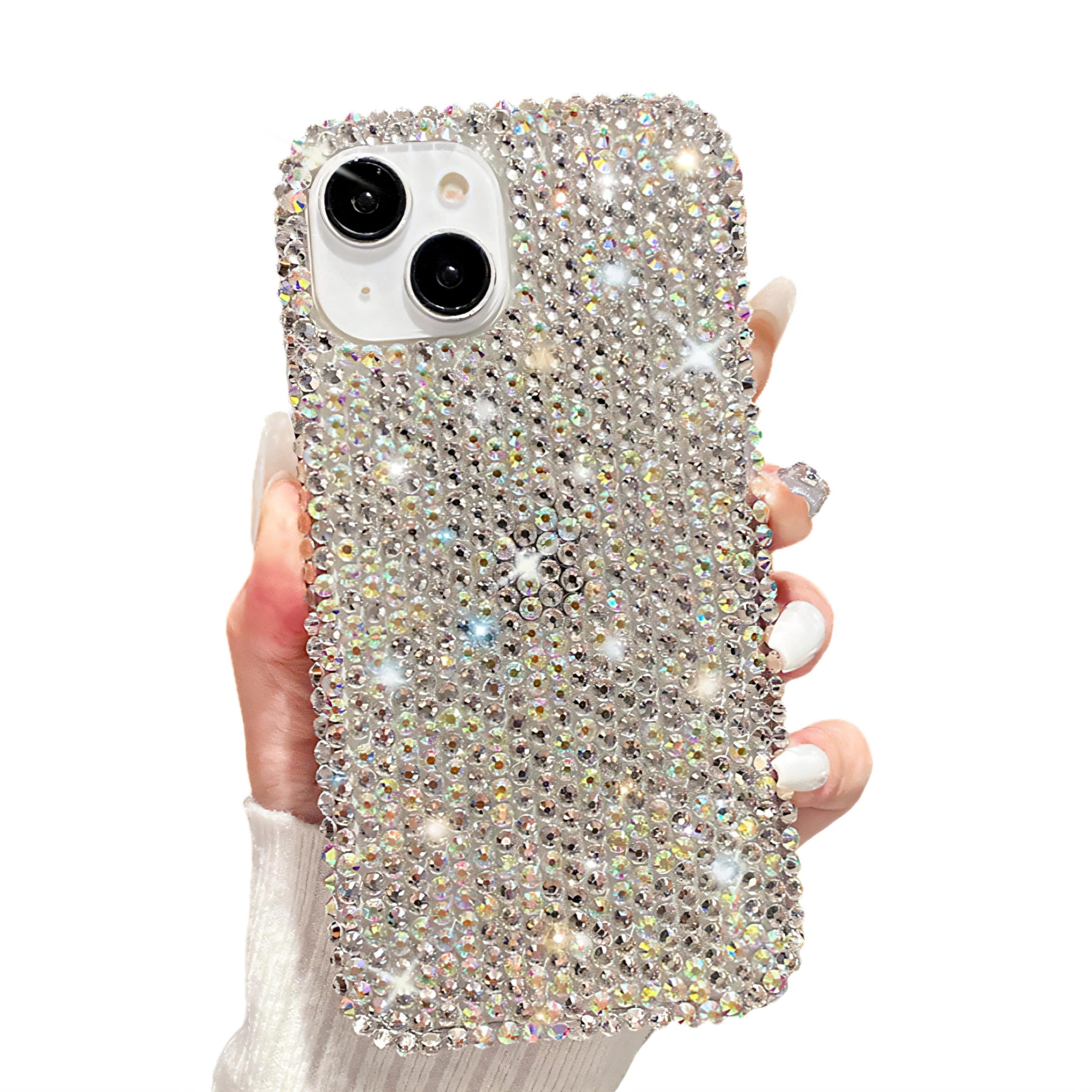
Changjia Clear Glitter Case for iPhone 1... |
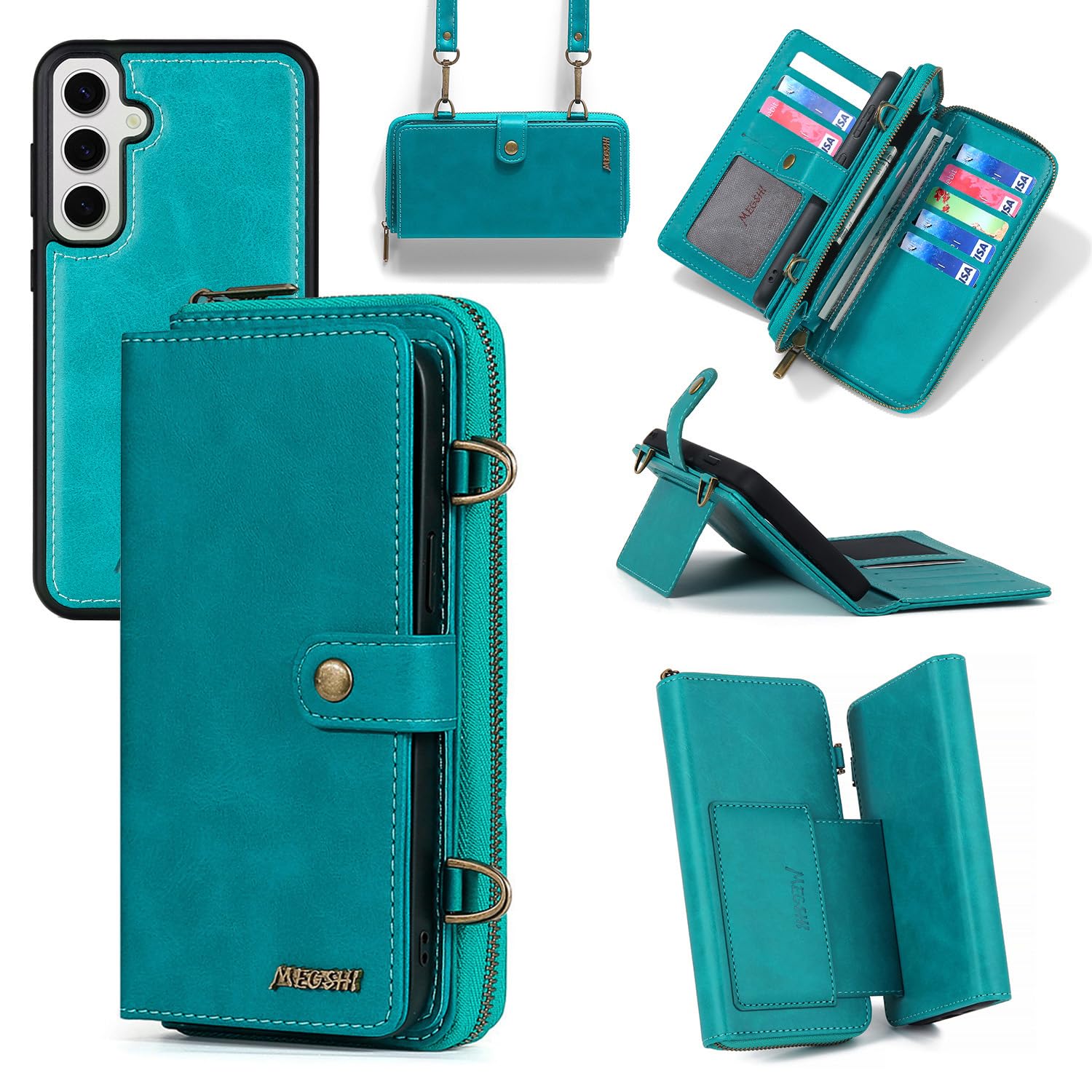
Dibosom Detachable 2 in 1 Wallet Case fo... |
|
|---|---|---|---|---|
| Price | $25.99 | $11.98 | $6.99 | $26.99 |
| Brand | Mondelete | LEMAXELERS | Changjia | Dibosom |
| Merchant | Amazon | Amazon | Amazon | Amazon |
| Availability | In Stock | In Stock Scarce | In Stock | In Stock Scarce |