
JOYACCESS Bluetooth Mouse,J 2.4G Wireless Bluetooth Mouse Dual Mode(Bluetooth 5.0/3.0+USB), Computer Mice for Laptop/Computer MacBook/Windows/MacOS/
$13.99
| Brand | JOYACCESS |
| Merchant | Amazon |
| Category | Computers |
| Availability | In Stock Scarce |
| SKU | B08R61Y7HK |
| Color | Blue |
| Age Group | ADULT |
| Condition | NEW |
| Gender | UNISEX |
| Material | Plastic |
About this item
JOYACCESS Bluetooth Mouse,J 2.4G Wireless Bluetooth Mouse Dual Mode(Bluetooth 5.0/3.0+USB), Computer Mice for Laptop/Computer MacBook/Windows/MacOS/
👉【DUAL MODE BLUETOOTH MOUSE】Triple mode wireless mouse realizes free switches between three devices with one mouse only by only one click. Our computer mouse can be connected to two device through Bluetooth and the other through 2.4G USB Receiver. 👉【SILENT CLICK & HIGH RESPONSIVENESS】Among 800, 1200 and 1600 to meet different needs. Special soundless design for the right and left buttons, make you concentrate on working or playing games without disturbing others. Smooth scroll, very precise with every sensitive movement. 👉【AUTO SLEEP MODE】The mouse will fall asleep after 10 minutes no-operation, it can be waken up by clicking any button. one AA battery is required(not included). 👉【ERGONOMIC DESIGN】 With slim, ergonomic design and smooth frosted surface, this Bluetooth mouse will fit comfortably in your hands, Provide you with a comfortable office experience. 👉【WIDE COMPATIBILITY】[2.4G Requirement]: Devices with USB interface. [BT3.0 System Requirement]: Windows 7.0 or above; Mac OS 10.8 or above; iPad OS 8 or above; Android 3.2 or above. [BT5.0 System Requirement]: Windows 10.0 or above; Mac OS 10.10 or above; iPad OS 13 or above; Android 5.0 or above. Bluetooth mode works with Windows/ MAC OS/ iOS/ Android system. How to use it:
- The power switch at the bottom of the mouse.
Mode 1: 2.4Ghz mode
1 Locate and remove the wireless adapter on the back of the mouse
2 plug in the computer USB
3 Press the button for seconds and turn red light on.
Mode 2: Bluetooth mode
1 Press the button for seconds until the blue light flashes (2-3 seconds), and place the mouse in the Bluetooth mode (first the mouse flashes the code and then turns on the computer Bluetooth).
2 Turn on the device's Bluetooth function (you don't need to plug the wireless adapter into your computer when using Bluetooth mode.)
3 Search for Bluetooth products, the name is (BLUETOOTH MOUSE 3.0/5.0)
4 Click Pair to make a Bluetooth connection. To connect successfully, you can use the Bluetooth mode of this product.
Compatible with:
Windows 7.0 / MacOS 08 / iPad OS 13 / Android 4.3 or higher. You can use this wireless mouse for laptops, PC laptops, tablets, computers and Macbooks.
What do you get:
1 x wireless mouse
1 USB receiver
1 x user manual
If you have any questions, please feel free to contact us.
| Brand | JOYACCESS |
| Merchant | Amazon |
| Category | Computers |
| Availability | In Stock Scarce |
| SKU | B08R61Y7HK |
| Color | Blue |
| Age Group | ADULT |
| Condition | NEW |
| Gender | UNISEX |
| Material | Plastic |
Similar Products



Compare with similar items
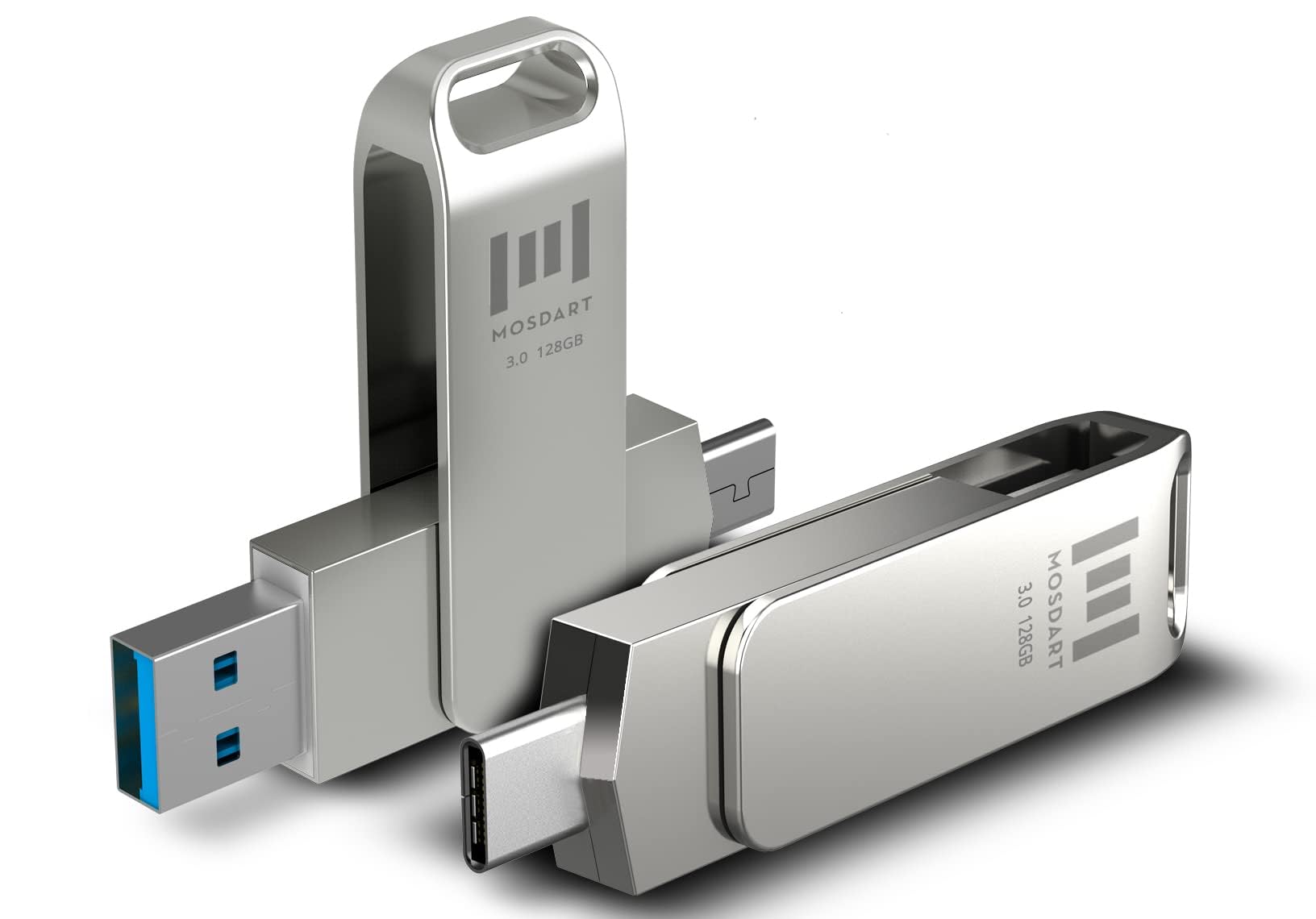
MOSDART 128GB USB3.1 Fast Speed C and A ... |

SD Card Holder, SD Card Case, LAVILI CF ... |
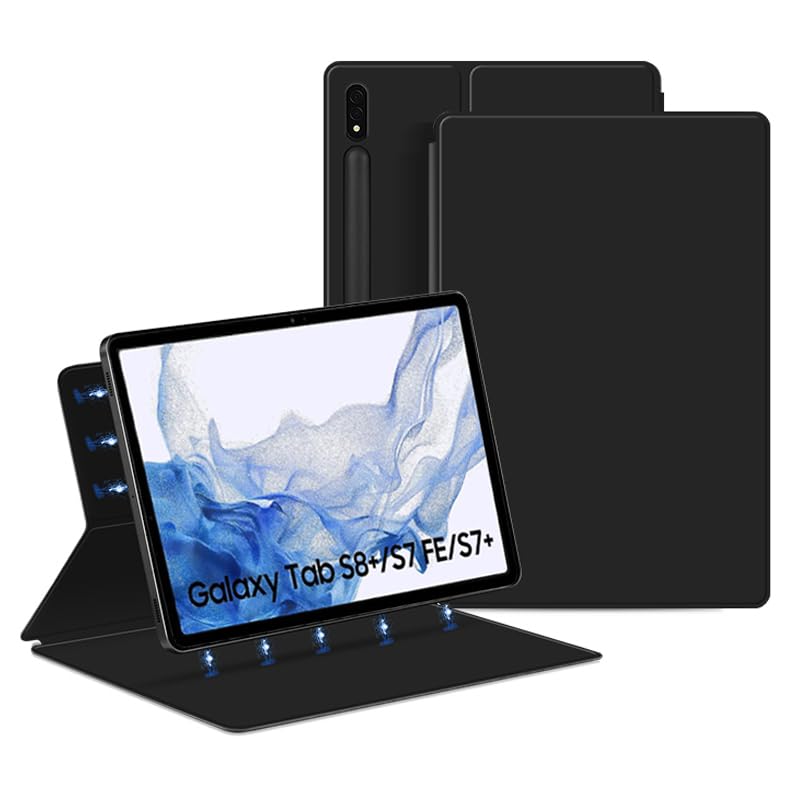
QYiiD Magnetic Case for Galaxy Tab S8 Pl... |
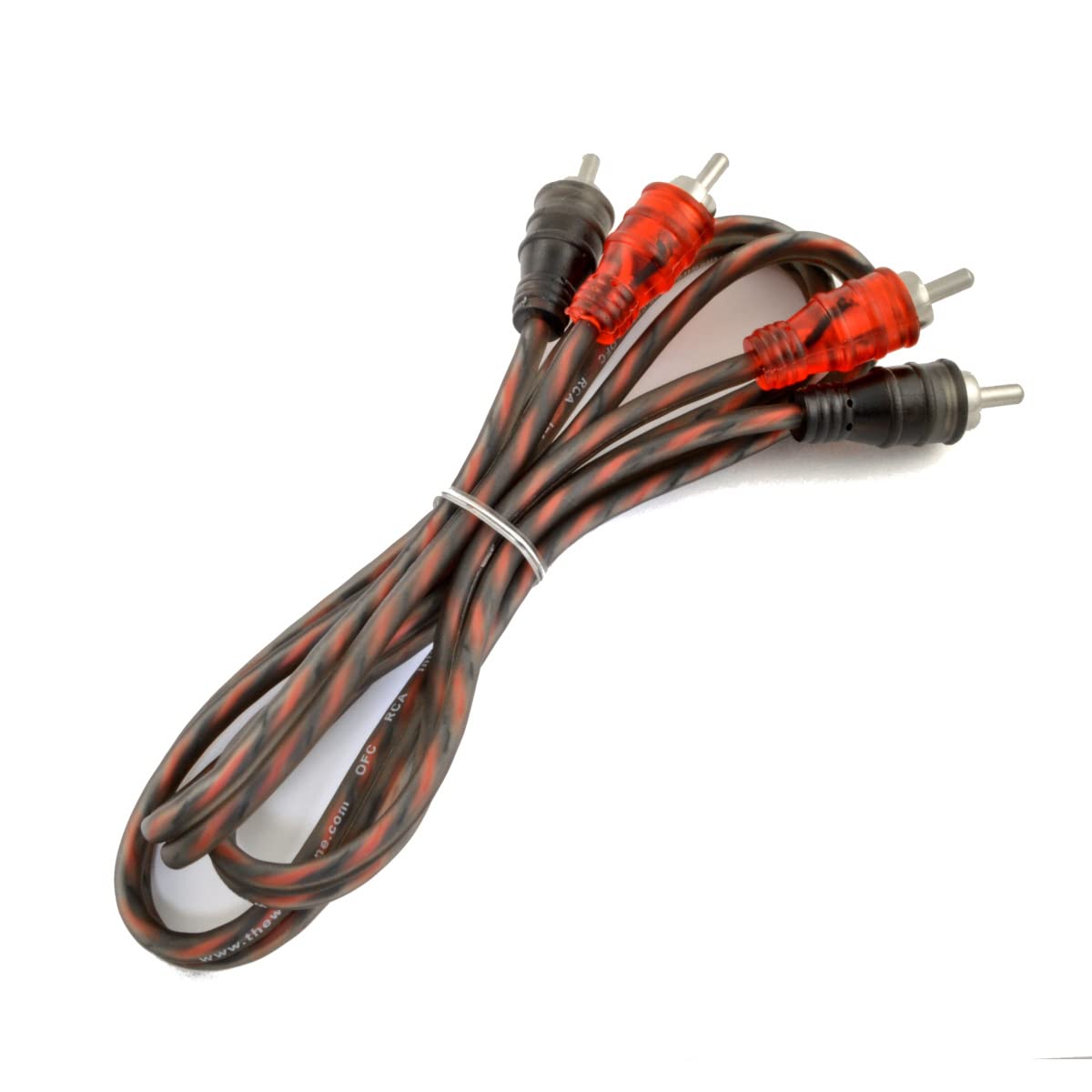
The Wires Zone 3ft 2-Channels Male-to-Ma... |
|
|---|---|---|---|---|
| Price | $29.99 | $10.99 | $24.99 | $6.95 |
| Brand | mosDART | LAVILI | QYiiD | The Wires Zone |
| Merchant | Amazon | Amazon | Amazon | Amazon |
| Availability | In Stock Scarce | In Stock | In Stock | In Stock |