
AURSINC MMDVM Hotspot Spot Radio WiFi Digital Voice Modem Work Contained with Raspberry Pi Zero 2W with Firmware V4.1.5 UHF VHF, Supports C4FM YSF
$119.99
| Brand | AURSINC |
| Merchant | Amazon |
| Category | Computers |
| Availability | In Stock |
| SKU | B088PP3TVR |
| Color | black |
| Age Group | ADULT |
| Condition | NEW |
| Gender | UNISEX |
| Google Product Category | Electronics > Computers |
| Product Type | Electronics > Computers & Accessories > Networking Products > Modems |
About this item
AURSINC MMDVM Hotspot Spot Radio WiFi Digital Voice Modem Work Contained with Raspberry Pi Zero 2W with Firmware V4.1.5 UHF VHF, Supports C4FM YSF
[UPGRADE] AURSINC MMDVM radio station now equipped with Raspberry Pi Zero 2W. Experience faster processing, smoother WiFi performance, and enhanced Stability. This MMDVM radio is equipped with an Ethernet cable [EASY SET UP] Preload sofeware Pi-Star on TF card, no need to download again. Radio Frequency: (UHF:430-440, VHF:144-146). This is upgraded version, do not need to set RXOFFSET and TXOFFSET, they're default 0. Note: When you flash the TF card with new version software, please DO NOT copy on the TF card directly, use a write in tool to write the software on TF card [EASY CHARGING] Free micro USB charging cable included, charged with power bank or connect to laptop or computer. The Hotspot will also work mobile in your vehicle if you tether it to your mobile phone network [FIRMWARE V1.5.2] The MMDVM hotspot board supports updating to V1.6.1 (How to Update MMDVM_HS for WPSD 1.6.1: jumbo5566 .github.io). To speed up the operation, it is recommended to switch to an optimized system:https:// w0chp.radio/ wpsd/ [SUPPORT] C4FM YSF NXDN DSTAR P25 DMR and default work with UHF. Not compatible with Baofeng UV-5R, Baofeng RD-5R, 5X, 5R+, 5R Plus, etc UV series, BF series. Our test is in DMR mode, if you want to change the working mode, you need to configure it as needed Working mode parameters [WIFI SSID] Need the 2.4GHz SSID as Pi Zero 2W doesn't support 5.8GHz. Ensure WiFi Password Type is WPA, not WEP. Power on hotspot for 2 minutes to auto-connect or follow instructions to connect the Hotspot to your router. After power on 2 minutes, go to pi-star /admin/ configure.php [Note] Please refer to this website to test whether your device can receive or transmit signals: m7spi .co .uk/mmdvmcal/. If you encounter that the device cannot connect to network after setup, please kindly contact us. We will help resolve this issue Product description
MMDVM Hotspot is an easy, convenient and ready to use Multi-mode Hotspot that supports C4FM YSF NXDN DSTAR P25 DMR
Base Setting:
Power On and Wait for 2-3 minutes Connect to Pi-Star-Setup(pi-star)/SSID/PASSWORD: raspberry
http://192.168.50.1/admin/configure.php
MMDVMHost Configuration
MMDVM Display Type: OLED
Radio Freq: UHF:430-440,VHF:144-146
Radio/Modem Type: STM32-DVM/MMDVM_HS – Raspberry Pi Hat(GPIO) or any XXX(GPIO)
192.168.50.1/admin/expert/edit_mmdvmhost.php
RXOFFSET=0,TXOFFSET=0 (default)
TIPS:OLED is no display Until you set wifi and display TYPE
Login info:
User:pi-star password:raspberry
Set the same Frequency, Callsign, DMR ID, Color code, Repeater Slot(Time Slot Defaults 2) as Radio Mobile and WiFi Details Software:Pi-Star
Note: All designs will be contributed on MMDVM open source project.
IMPORTANT NOTE:
When you first time set up, MMDVM hotspot will generete pi-star set up hotspot, which you'll connect with, and goes into pi-star and then visit 192.168.50.1 for configuration.
If you connected to your home network/home wifi, it will remember your home wifi. Therefore, when you open pi-star and try to update your configure, there will be no pi-star wifi.
If you came across this situation, here're two methods to log in and update you configure:
A, Visit http://pi-star on your browser, log in pi-star and configure. If you're on macOS, iOS or Windows 10 tablet, please visit http://pi-star.local.
B, Find your Device IP on your home network routers, and log in with that IP, and update your configure.
Package content:
1x OLED display (installed on board)
1x Raspberry Pi Zero 2W
1x TF card
1x MMDVM_HS(UHF+VHF)
1x Ethernet Cable
1x Antenna (with 90 degree elbow)
| Brand | AURSINC |
| Merchant | Amazon |
| Category | Computers |
| Availability | In Stock |
| SKU | B088PP3TVR |
| Color | black |
| Age Group | ADULT |
| Condition | NEW |
| Gender | UNISEX |
| Google Product Category | Electronics > Computers |
| Product Type | Electronics > Computers & Accessories > Networking Products > Modems |
Similar Products


![LOVE 3000 Designed for iPhone 14 Pro Max Case, Premium Silicone with [Soft Anti-Scratch Microfiber Lining] Shockproof Protective Phone Case for Men](https://m.media-amazon.com/images/I/61X7u1PsF5L.jpg)

Compare with similar items
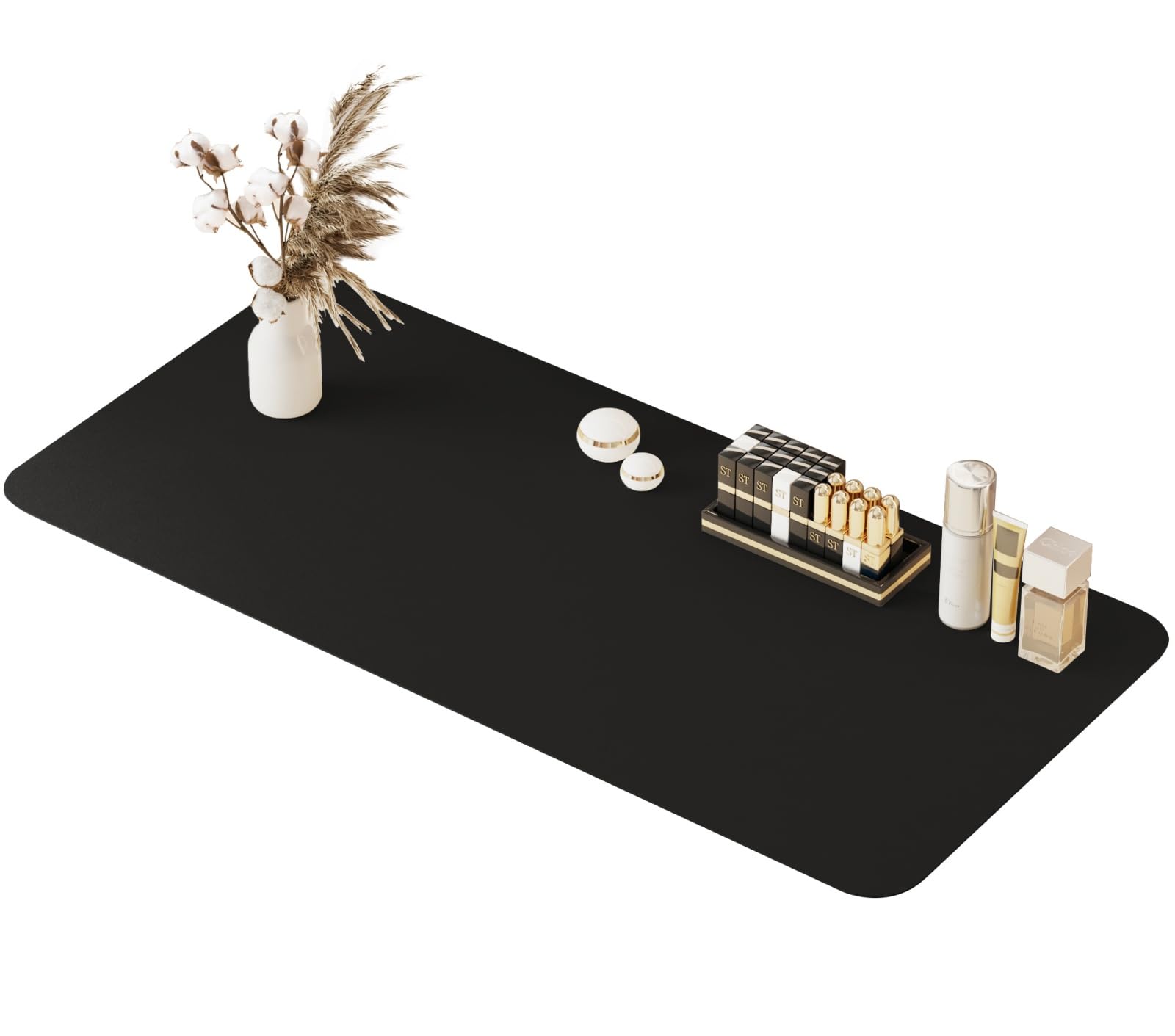
metui 39.37" * 15.7" Large Makeup Mat fo... |
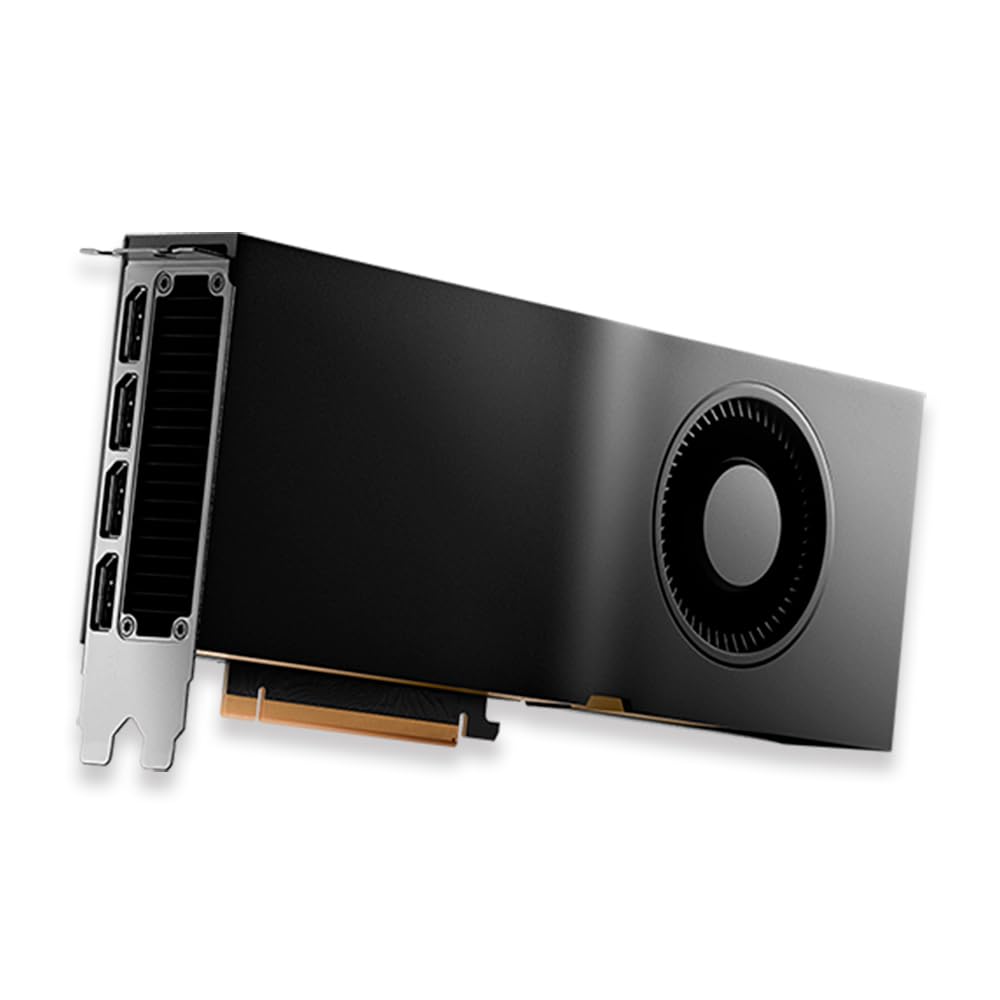
PNY NVIDIA Quadro RTX 5000 Graphic Card ... |

CRUA 32" Curved Gaming Monitor, 144Hz/16... |
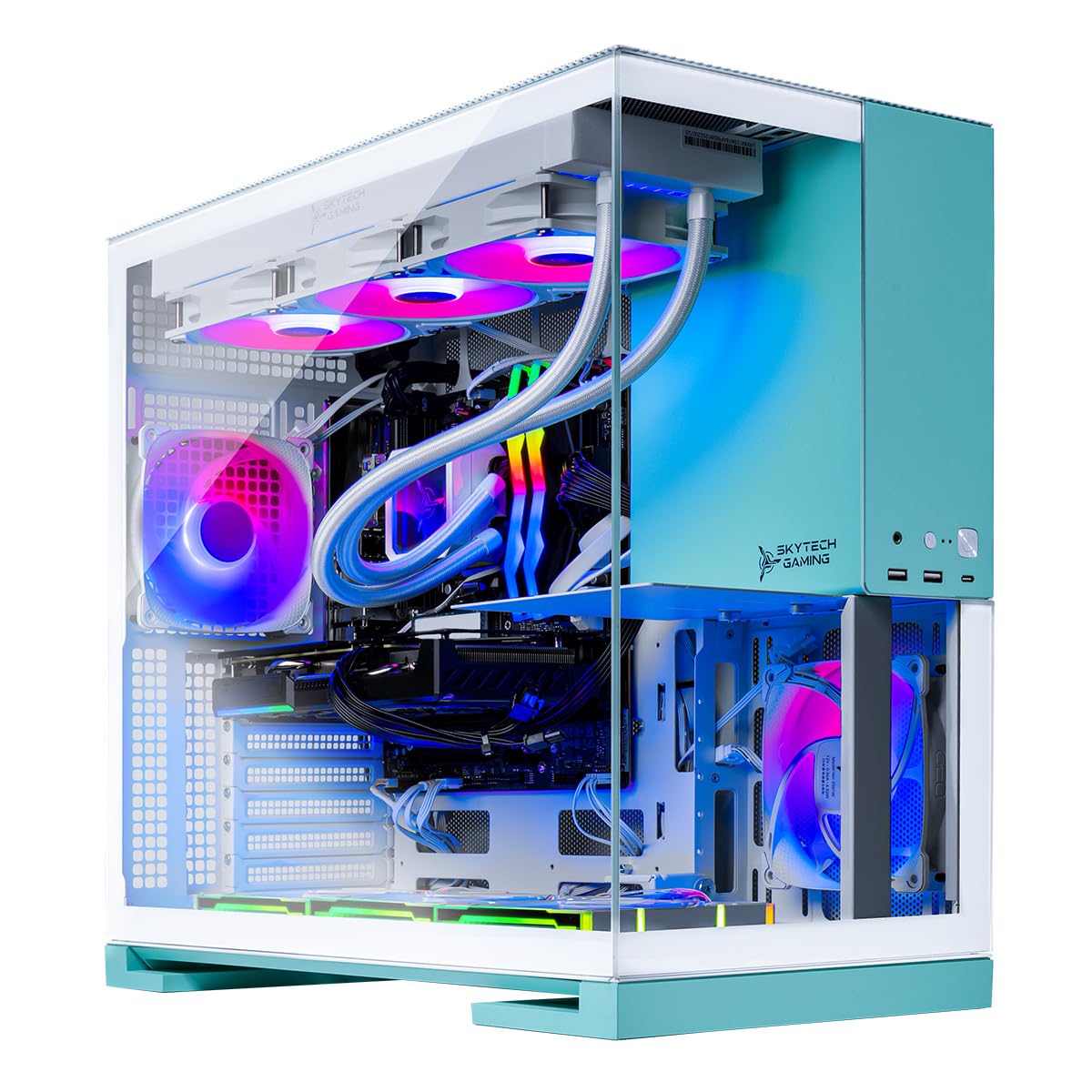
Skytech Gaming Aqua Gaming PC, AMD Ryzen... |
|
|---|---|---|---|---|
| Price | $18.99 | $3,900.00 | $299.99 | $3,099.99 |
| Brand | metui | PNY | CRUA | Skytech Gaming |
| Merchant | Amazon | Amazon | Amazon | Amazon |
| Availability | In Stock | In Stock | In Stock | In Stock |