
CNCTOPBAOS 3 Axis GRBL Offline Controller Board Remote Hand Control LCD Screen Off-line Control Module for 1610 3018 PRO CNC Router Carving Milling
$17.99
| Brand | CNCTOPBAOS |
| Merchant | Amazon |
| Category | Tools |
| Availability | In Stock Scarce |
| SKU | B087BZBZB2 |
| Size | 3 Axis |
| Age Group | ADULT |
| Condition | NEW |
| Gender | UNISEX |
| Material | ABS |
| Google Product Category | Hardware > Tools |
| Product Type | Tools & Home Improvement > Power & Hand Tools > Power Tools > Milling Machines |
About this item
CNCTOPBAOS 3 Axis GRBL Offline Controller Board Remote Hand Control LCD Screen Off-line Control Module for 1610 3018 PRO CNC Router Carving Milling
Product: 3 Axis GRBL Offline Controller Hand Control; With this offline controller module, you can directly control the CNC router without connecting it to your computer Manually Control:You can manually adjust X,Y,Z axis location as engraving starting point,manually open or close spindle,manully open or close cooling fan Support SD AND TF card: Support SD card and TF card at the same time,standard capacity 1G Function: After inserting the file into the SD card,the engraving file can be directly identified; You can also use the micro USB cable to connect the offline hand controller board to your computer and save the file directly Easy to use & Wide application: All you have to do is connect the offline module to the GRBL controller board, which you can use it to control the CNC rounter; It supports our 1310, 1610, 3018, 3018 pro ,upgraded 3018 pro etc grbl control cnc machine
Package include:
1 set of offline hand controller board
1 set of cable
1 set of SD card
Specification:
Press Z+ and Z- , the Z axis will move up and down.
Press X+ and X- , the X axis will move left and right.
Press Y+ and Y- , the Y axis will move Front and Back.
Press SPIN : Spindle on (Laser on ), Spindle off (laser off)
Press SMOD: return
Press Z+ for 5 seconds , change the Language to English.
Press X- or X+ button to switch
Control:Press confirmation button to access manually controlling page
File:Press confirmation button to access file page
Set:Press confirmation button to access setting page
On the off-line controller, buttons control corresponding actions.
SPN is spindle controlling,should press SPIN.
Fan is fan controlling, should press SMOD.
Common supported formats include nc. tex. tap.
Press [Y+] [Y-] to select file
Press [Ok] to Enter
Press [Ok] to begin if you are ready
Note:Long press [Exit] to stop machining
X± Y± Z±: Moving Axis
OK/Spindle: Spindle ON/OFF
Exit/Step: Change Step/Exit (long press)
How to increase the spindle power: After pressing the spindle button, press and hold the OK button and the Z+ button simultaneously to increase the speed.
How to decrease the spindle: After pressing the spindle button, press and hold the OK button and the Z- button simultaneously to decrease the speed.
Main Page
Ctrl: Machine Control
File: Use the Gcode file
Press [Y+] [Y-] to select
Press[Ok] to Enter
| Brand | CNCTOPBAOS |
| Merchant | Amazon |
| Category | Tools |
| Availability | In Stock Scarce |
| SKU | B087BZBZB2 |
| Size | 3 Axis |
| Age Group | ADULT |
| Condition | NEW |
| Gender | UNISEX |
| Material | ABS |
| Google Product Category | Hardware > Tools |
| Product Type | Tools & Home Improvement > Power & Hand Tools > Power Tools > Milling Machines |
Similar Products




Compare with similar items

PacTool SA907 Adjustable Z-Clamp Panel S... |
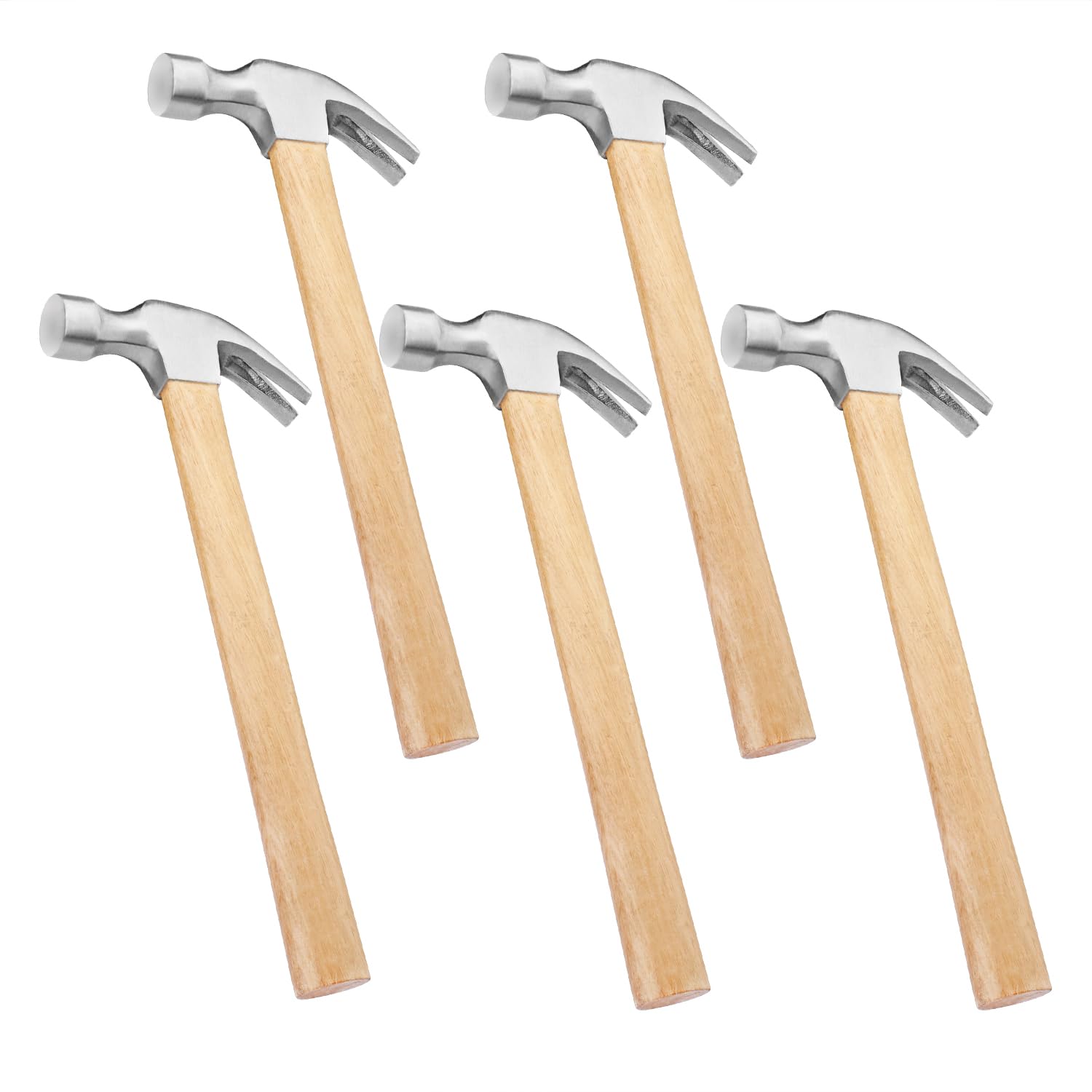
GENHAKON 5 Pack 16 OZ Claw Hammer with W... |

Amana Tool - Wedge Block (WB-83), Indust... |
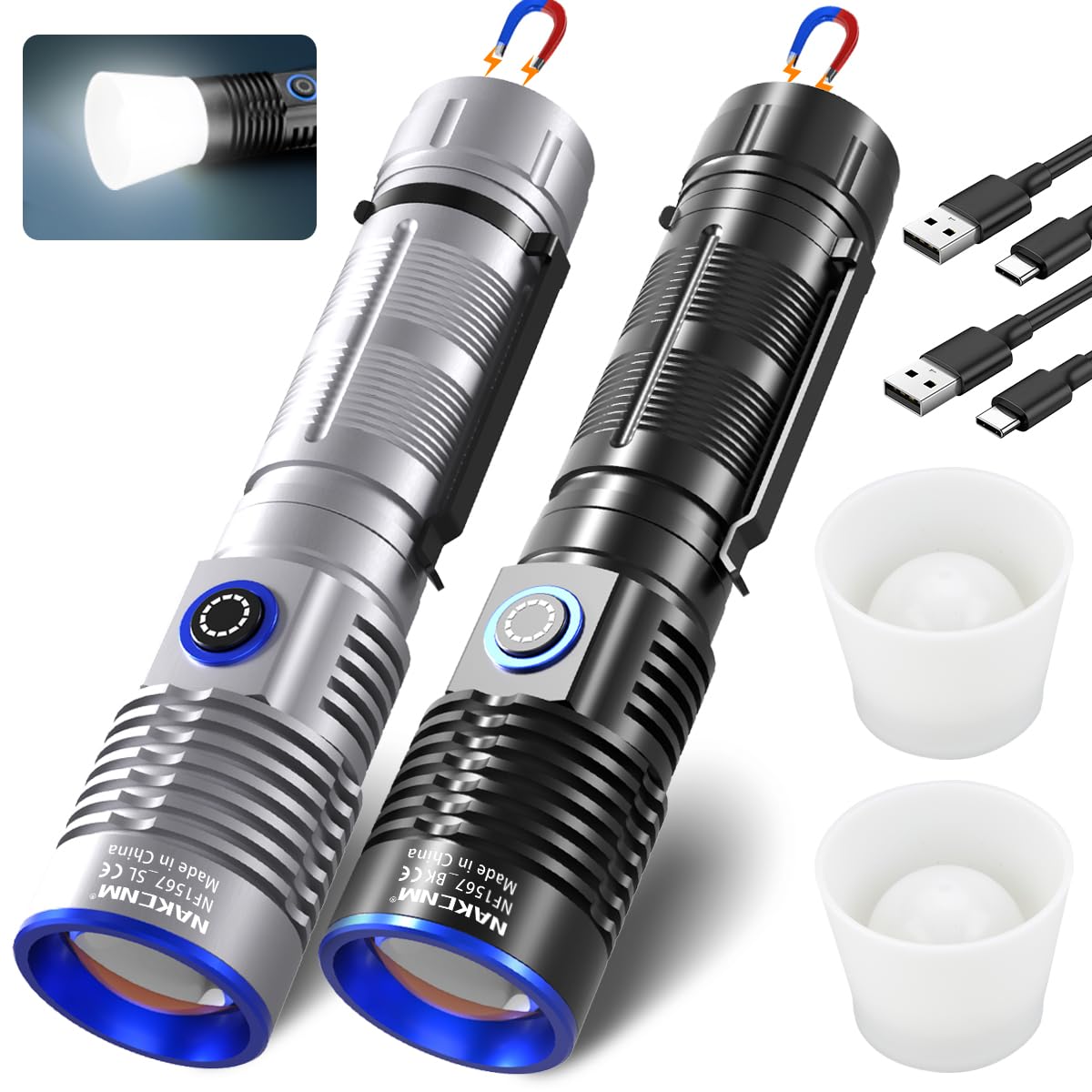
NAKCNM Rechargeable Flashlights High Lum... |
|
|---|---|---|---|---|
| Price | $83.61 | $26.99 | $18.41 | $19.99 |
| Brand | PacTool | GENHAKON | Amana Tool | NAKCNM |
| Merchant | Amazon | Amazon | Amazon | Amazon |
| Availability | In Stock | Available Date | In Stock | In Stock Scarce |