

Arteck 2.4G Nano USB Receiver Wireless Keyboard or Mouse (Brand only, Not for GW28-3, HD323, HW197, HD197, MD167, MD172 or Bluetooth Version)
$4.99
| Brand | Arteck |
| Merchant | Amazon |
| Category | Electronics |
| Availability | In Stock |
| SKU | B07X4H7FKL |
| Color | Black |
| Age Group | ADULT |
| Condition | NEW |
| Gender | UNISEX |
| Google Product Category | Electronics |
| Product Type | Electronics > Computers & Accessories > Computer Accessories & Peripherals > Keyboards, Mice & Accessories > Keyboard & Mouse Combos |
About this item
Arteck 2.4G Nano USB Receiver Wireless Keyboard or Mouse (Brand only, Not for GW28-3, HD323, HW197, HD197, MD167, MD172 or Bluetooth Version)
Pairing Process: 1) Keyboard: Switch the keyboard to be on and press Esc+k, the indicator of the keyboard is blinking. Move the Keyboard close to the USB port and insert the USB receiver to the USB port. 2) Mouse: Switch the mouse to be off, press and hold the right button and the wheel, turn on the mouse wait 2 seconds to release the holding, the indicator of the mouse is blinking. Move the mouse close to the USB port and insert the USB receiver to the USB port. Arteck Only: This nano USB receiver is for Arteck 2.4G wireless products like keyboard or mouse, it's not suitable for other brands keyboard or mouse. It's not suitable for Arteck GW28-3, HD323, K730, HW197, HD197, MD167, MD172 or Bluetooth keyboard or mouse. Manually Setup: If you have problem to connect the USB to the Arteck keyboard or mouse, please contact the seller before returning the product as there's the way to pair the USB to the keyboard and the mouse manually if it fails to connect automatically. The new USB receiver will not connect to the keyboard automatically. You need to pair the new USB receiver to your keyboard manually. Pairing Process:
(1) Keyboard: Switch the keyboard to be on and press Esc+k, the indicator of the keyboard is blinking. Move the Keyboard close to the USB port and insert the USB receiver to the USB port.
(2) Mouse: Switch the mouse to be off, press and hold the right button and the wheel, turn on the mouse wait 2 seconds to release the holding, the indicator of the mouse is blinking. Move the mouse close to the USB port and insert the USB receiver to the USB port.
Compatible: The USB receiver is not suitable for other brands keyboard or mouse. It can not used for Arteck HD315, GW28-3, HD323, K730, HW197, HD197, MD167, MD172 or Bluetooth keyboard or mouse.
| Brand | Arteck |
| Merchant | Amazon |
| Category | Electronics |
| Availability | In Stock |
| SKU | B07X4H7FKL |
| Color | Black |
| Age Group | ADULT |
| Condition | NEW |
| Gender | UNISEX |
| Google Product Category | Electronics |
| Product Type | Electronics > Computers & Accessories > Computer Accessories & Peripherals > Keyboards, Mice & Accessories > Keyboard & Mouse Combos |
Similar Products
![for iPhone SE Case(1st gen - 2016), Case for iPhone 5S with [3X Tempered Glass Screen Protector],Built-in Ring Kickstand and Magnetic Car Mount](https://m.media-amazon.com/images/I/71YdnmlT8EL.jpg)


![Diverbox for iPhone 16 Case [Shockproof] [Dropproof] [Tempered Glass Screen Protector + Camera Protectors] Heavy Duty Protection Phone Case Cover for](https://m.media-amazon.com/images/I/61ZASx9NR5L.jpg)

Compare with similar items

Vogel's TVM 5845 Full-Motion Ultra-Thin ... |

eeTao Replacement Power Adapter Compatib... |
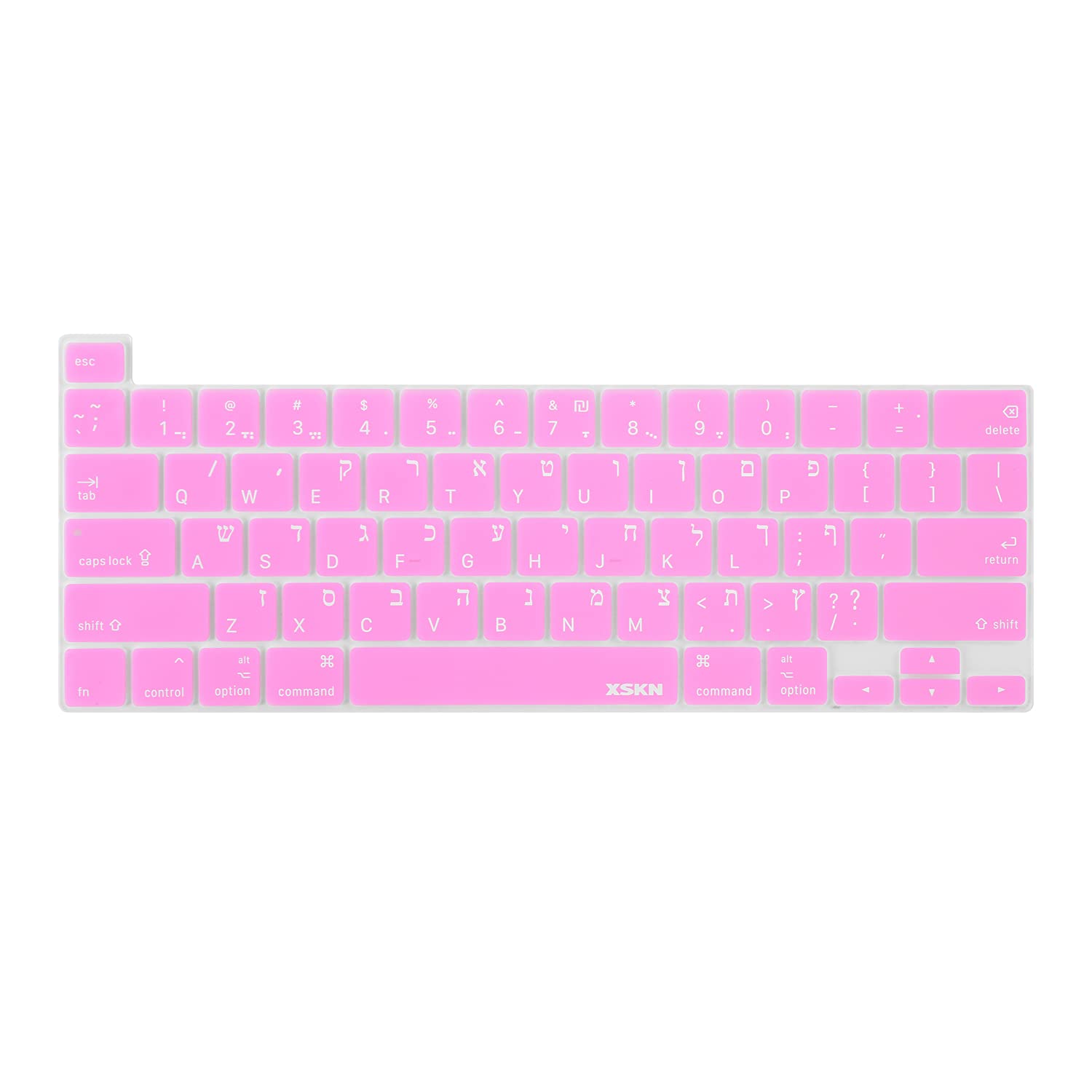
XSKN Shortcuts and Language Series Silic... |

Retevis AI Active Noise Reduction Walkie... |
|
|---|---|---|---|---|
| Price | $379.99 | $17.99 | $14.99 | $19.99 |
| Brand | Vogel's | eeTao | XSKN | Retevis |
| Merchant | Amazon | Amazon | Amazon | Amazon |
| Availability | In Stock Scarce | In Stock | In Stock Scarce | In Stock |