
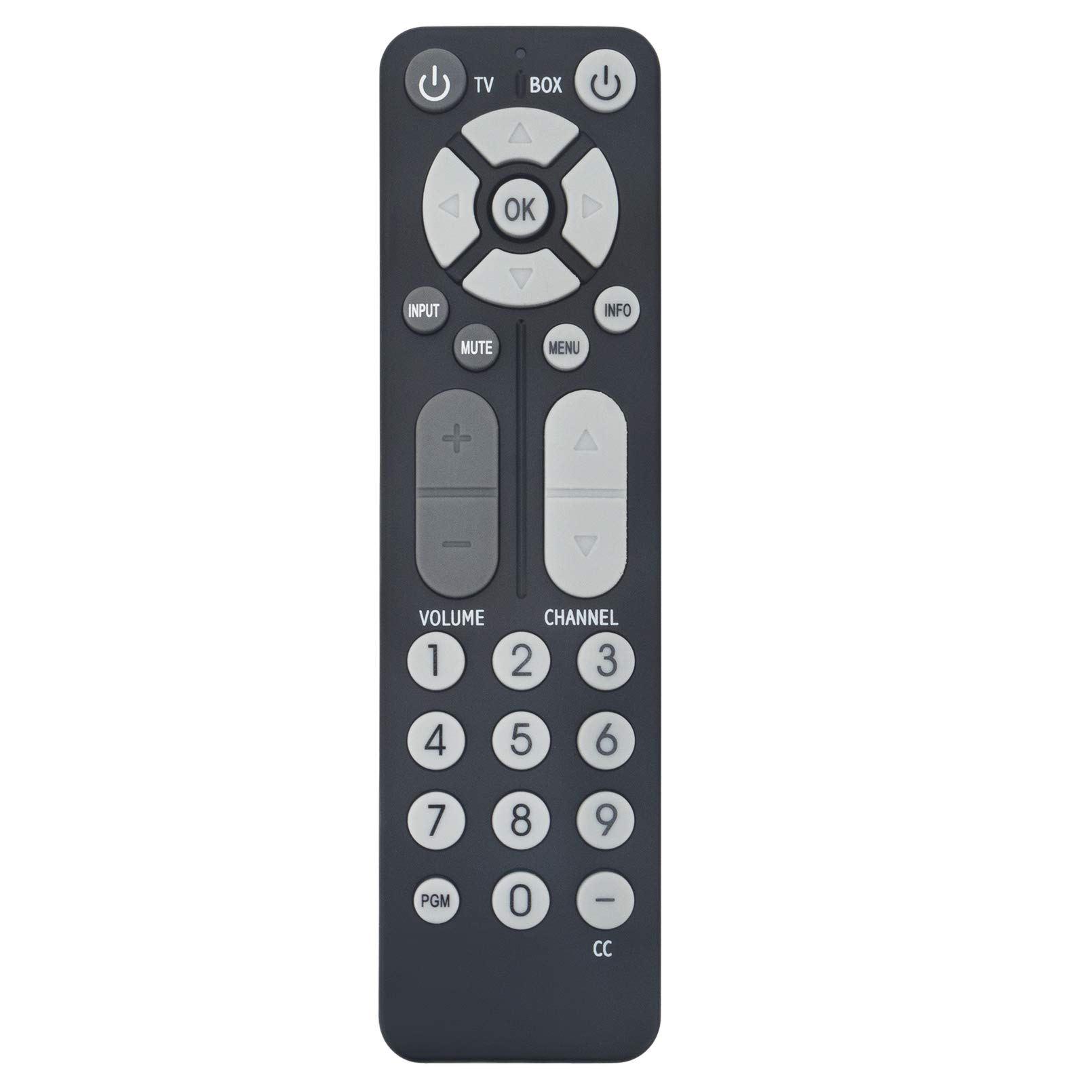
Remote Control Replacement for Proscan TV PLDED3273A PLDED4016A PLCD5092B PLDED3996A-C2 PLED4616A PLED3216A PLDED3257A-C
$6.99
| Brand | Smartby |
| Merchant | Amazon |
| Category | Electronics |
| Availability | In Stock |
| SKU | B01N7LT2TH |
| Color | Black |
| Age Group | ADULT |
| Condition | NEW |
| Gender | UNISEX |
| Google Product Category | Electronics |
| Product Type | Electronics > Television & Video > Accessories > Remote Controls |
About this item
Remote Control Replacement for Proscan TV PLDED3273A PLDED4016A PLCD5092B PLDED3996A-C2 PLED4616A PLED3216A PLDED3257A-C
Brand new, No need program. It works out of box after installing the batteries (Not included) Remote Control Replacement for Proscan TV 32la25t, PLC3708A, PLCD3271A, PLCD3271AB, PLCD3271A-C, PLCD3273A-B, PLCD3283A, PLCD3717A, PLCD3903A-B, PLCD4692A, PLCD5092AB, PLCD5092A-B, PLDED3257A-B, PLDED3257A-C, PLDED3273A, PLDED3992A-C, PLDED3996A-C, PLDED3996A-C2, PLDED4016A, PLDED5066AE, PLDED5066A-E, PLED1526AB, PLED1526A-B, PLED2243A, PLED2694A, PLED2845A, PLED3216A, PLED4011A, PLED4017A, PLED4274A, PLED4616A, PLED5529A-C Compatible with Proscan TV models: LCD1533A, LCD1908A, LCD1933, LCD1933A, LCD2425A, LCD2443A, LCD3227A, LCD3235A, LCD3708A, LCD4062A, LCD4077A, LCD4620A, LCD4686A, LCD4686A-W, LED1337A, LED1526A, LED2415A, RLC3209A, RLC3255A-B, RLC3273A-B, RLC3708A, RLC3708A-B, RLD5515A-C, RLDED2845A, RLDED3258A-C, RLDED3955A, RLDED4016A, RLDED4633A-C, RLDED5078A-D, RLED1526A-BLACK, RLED1530, RLED1530-WHITE, RLED2243A, RLED2845A, RLED3216A, RLED3219A, RLED4010A, RLED4627A-B, RLED4633B, RLED4778A, RLED5592A-B Proscan PLDED4016A TV Remote Control, it doesn't work for Proscan DVD The remote is preprogrammed and works out of box after you put batteries in. If it does not work directly, Please reset: Taking the batteries out of the remote. Press every single button on the remote while the batteries are out. Press each button at least once. Put the batteries back and test the remote again to see if it can control the TV now. Sometimes the problem is the TV. Just unplug the TV from the power outlet and hold down the power button for 15 seconds. Then plug the TV back in. Remote Control Replacement for Proscan TV PLDED4016A, PLED2694A, PLC3708A, PLCD3283A, PLCD3717A, PLCD4692A, PLDED3273A, PLCD5092AB, PLED1526AB, PLED4616A, PLDED5066AE, PLED4274A, PLED2243A, PLED5529A-C, PLDED3996A-C, PLDED3992A-C, PLDED3996A-C2, PLDED3257A-C, PLDED3257A-B, PLED2845A, PLED1526A-B, PLDED5066A-E, PLED3216A, PLED4011A, PLED4017A, PLCD3271A, PLCD3271AB, PLCD3271A-C, PLCD3273A-B, PLCD3903A-B, PLCD5092A-B Troubleshoot: 1. Remove batteries from remote control 2. Press every button for 3 second on the remote at least one (1) time to drain any residual power. This also helps to check for stuck buttons. 3. Insert BRAND-NEW batteries into the remote and make sure the batteries are correctly installed with the positive and negative ends in the right direction. 4. Sometimes the problem isn’t the remote. Sometimes the problem is the TV. Just unplug the TV from the power outlet and hold down the power button on the side of the TV for 15 seconds. Doing this drains residual power and can clear up odd issues. Then plug the TV back in and power it on.
| Brand | Smartby |
| Merchant | Amazon |
| Category | Electronics |
| Availability | In Stock |
| SKU | B01N7LT2TH |
| Color | Black |
| Age Group | ADULT |
| Condition | NEW |
| Gender | UNISEX |
| Google Product Category | Electronics |
| Product Type | Electronics > Television & Video > Accessories > Remote Controls |
Similar Products



Compare with similar items
RC27A Replace Remote Control Compatible ... |

HQRP 6000mAh Battery Compatible with JBL... |

FirstPower FP12170 12V 18AH Replacement ... |
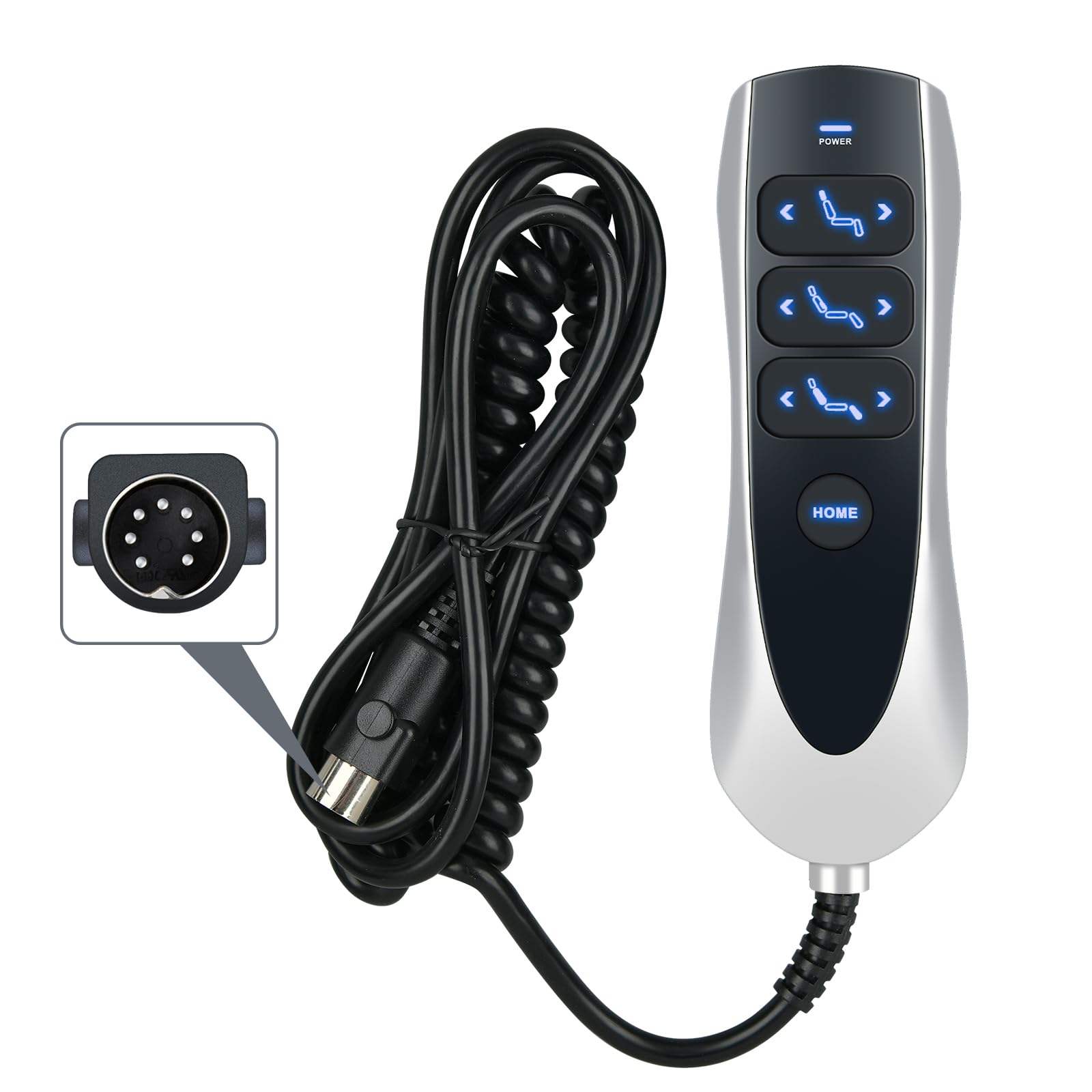
ZWP 7 Button 7 Pin Prong Remote Hand Con... |
|
|---|---|---|---|---|
| Price | $8.98 | $12.91 | $38.99 | $60.00 |
| Brand | AULCMEET | HQRP | SigmasTek | ZWP |
| Merchant | Amazon | Amazon | Amazon | Amazon |
| Availability | In Stock Scarce | In Stock Scarce | In Stock | In Stock Scarce |